

USB-C-auf-Mini-DisplayPort-Adapter 4K@60Hz – Silber
Über diesen Artikel
Passt gut zu
VERSAND AM SELBEN TAG, Bestellung bis 11:00 Uhr (EST)
Kostenloser Versand für Bestellungen über 50 $
Technischer Support
30 Tage Rückgaberecht
1 Jahr Garantie
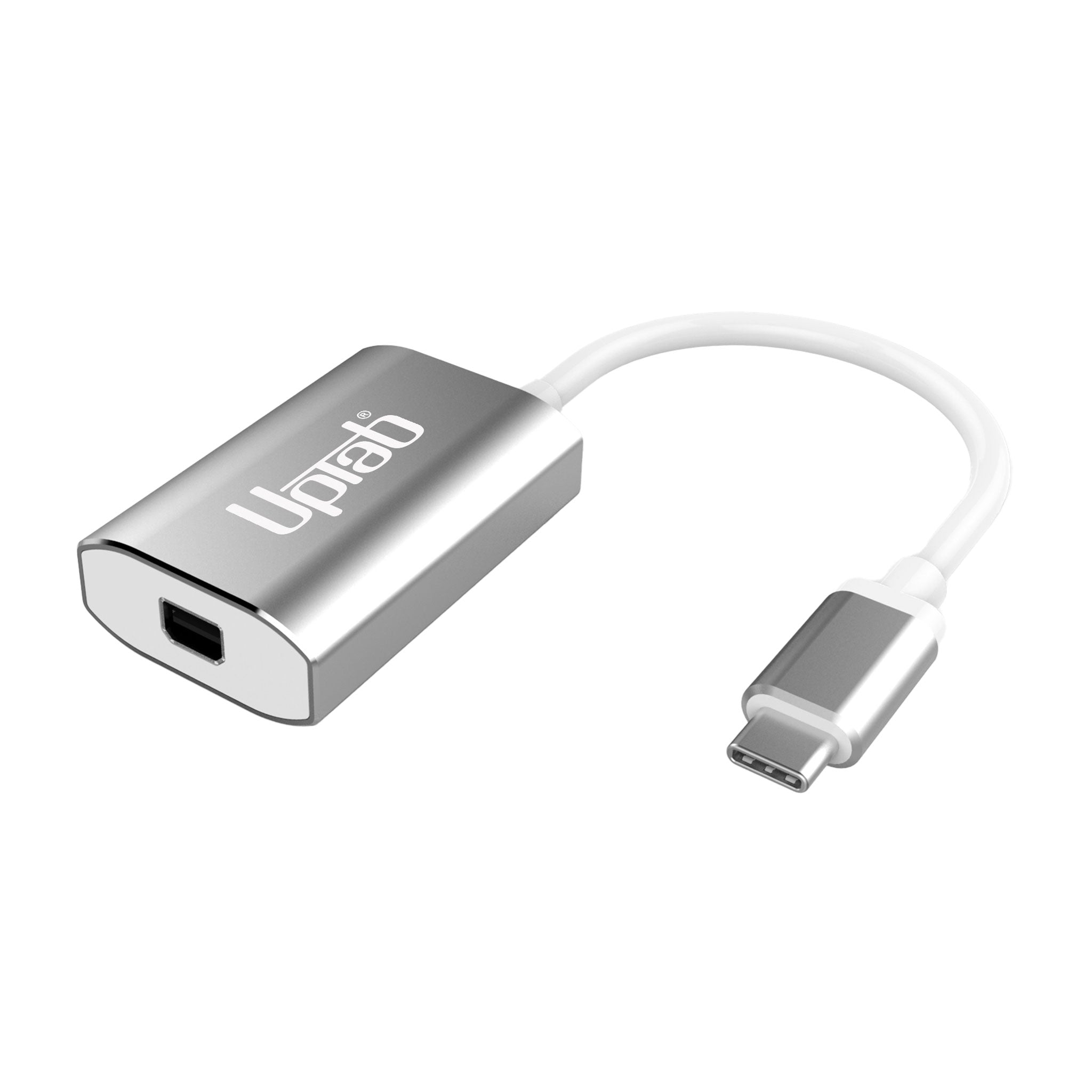
USB-C-auf-Mini-DisplayPort-Adapter 4K@60Hz – Silber
Produktdetails
Schöpfen Sie das volle Potenzial Ihres Displays aus mit dem UPTab USB-C auf Mini DisplayPort Adapter 4K@60HzDieser kompakte Adapter wurde für Profis, Kreative und Alltagsnutzer entwickelt und ist der Der einzige Mini-DisplayPort-Adapter auf dem Markt mit einem USB-C-StromdurchgangsanschlussDas bedeutet, dass Sie Ihren Laptop aufladen können, während Sie den Adapter verwenden – wodurch Ihre anderen USB-C-Anschlüsse für Laufwerke, Peripheriegeräte oder Zubehör frei bleiben.
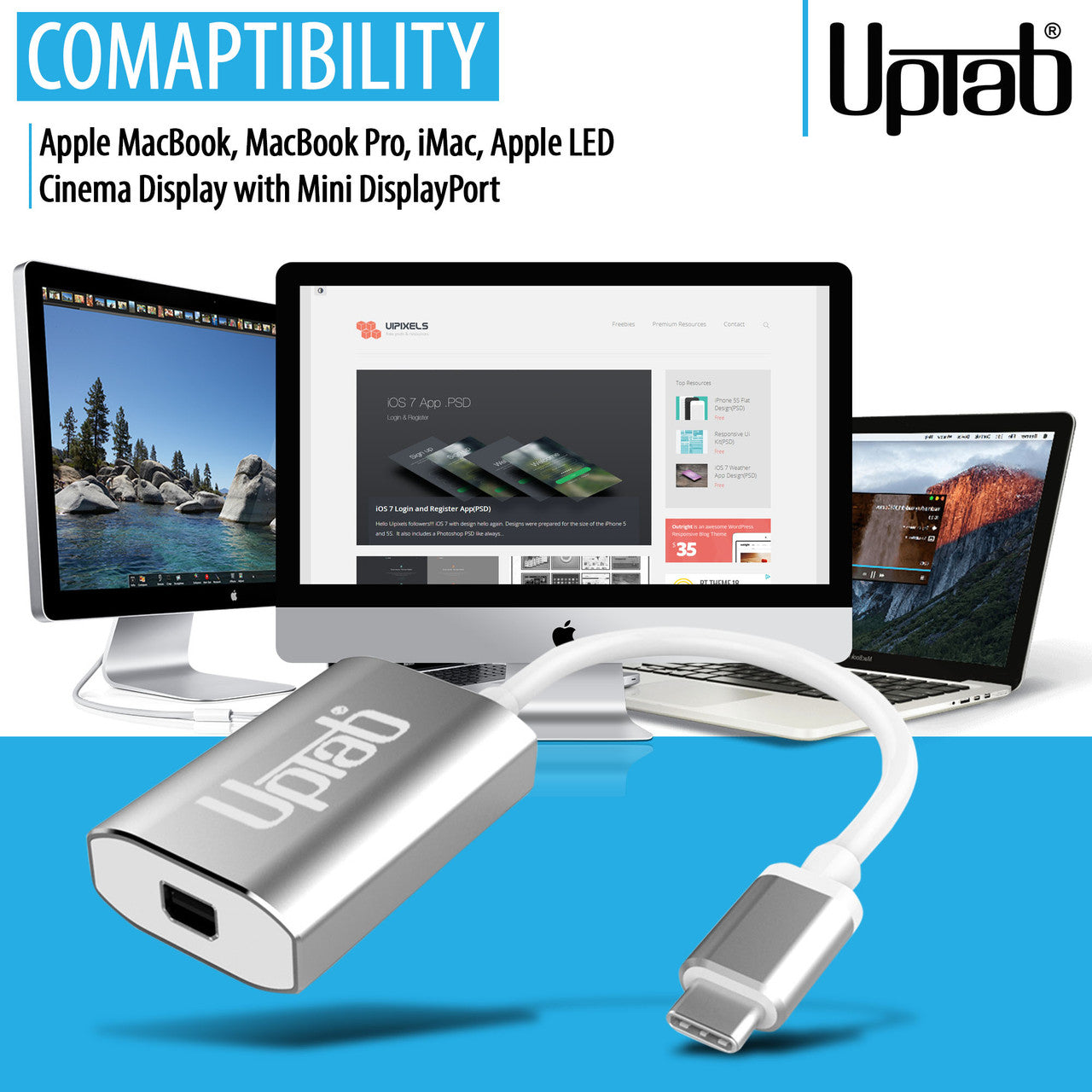
Im Gegensatz zu herkömmlichen Adaptern gewährleistet die präzise Konstruktion von UPTab einen reibungslosen Übergang. Ultra-HD-4K-Auflösung bei 60 Hz Mit 8-Kanal-Audio, verzögerungsfreier Übertragung und gestochen scharfen Bildern. Das robuste Aluminiumgehäuse sorgt für optimale Wärmeableitung und hohe Zuverlässigkeit. Es ist die ideale Lösung, um Ihr MacBook, iPad Pro, Chromebook oder Ihren PC an ältere Mini-DisplayPort-Monitore anzuschließen – einschließlich des klassischen Apple Cinema Display.
-
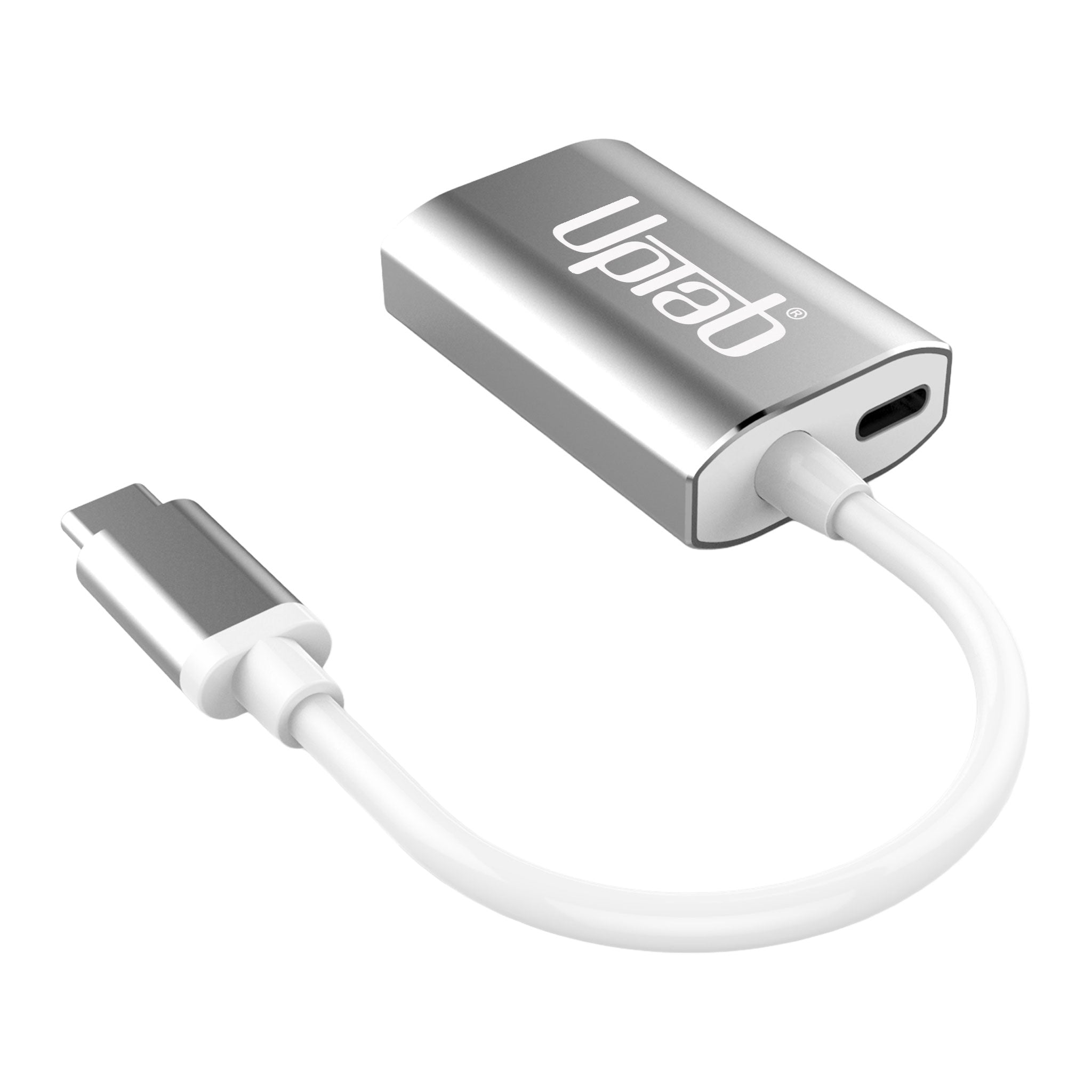
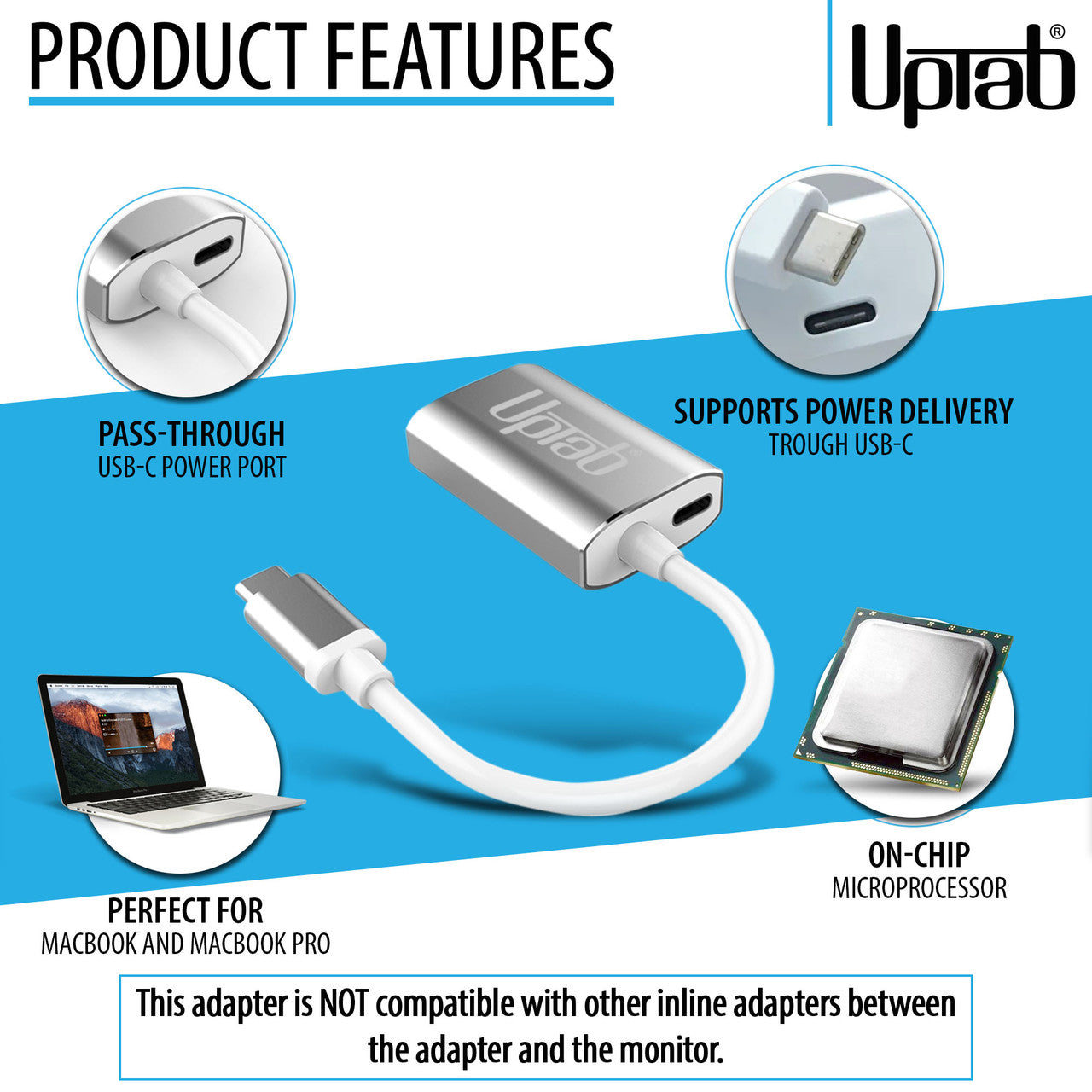
Gleichzeitig laden und verbinden – Das exklusive USB-C-Stromdurchleitungsdesign ermöglicht es Ihnen, Ihren Laptop aufzuladen, während Sie gleichzeitig ein Mini-DisplayPort-Display betreiben.
-
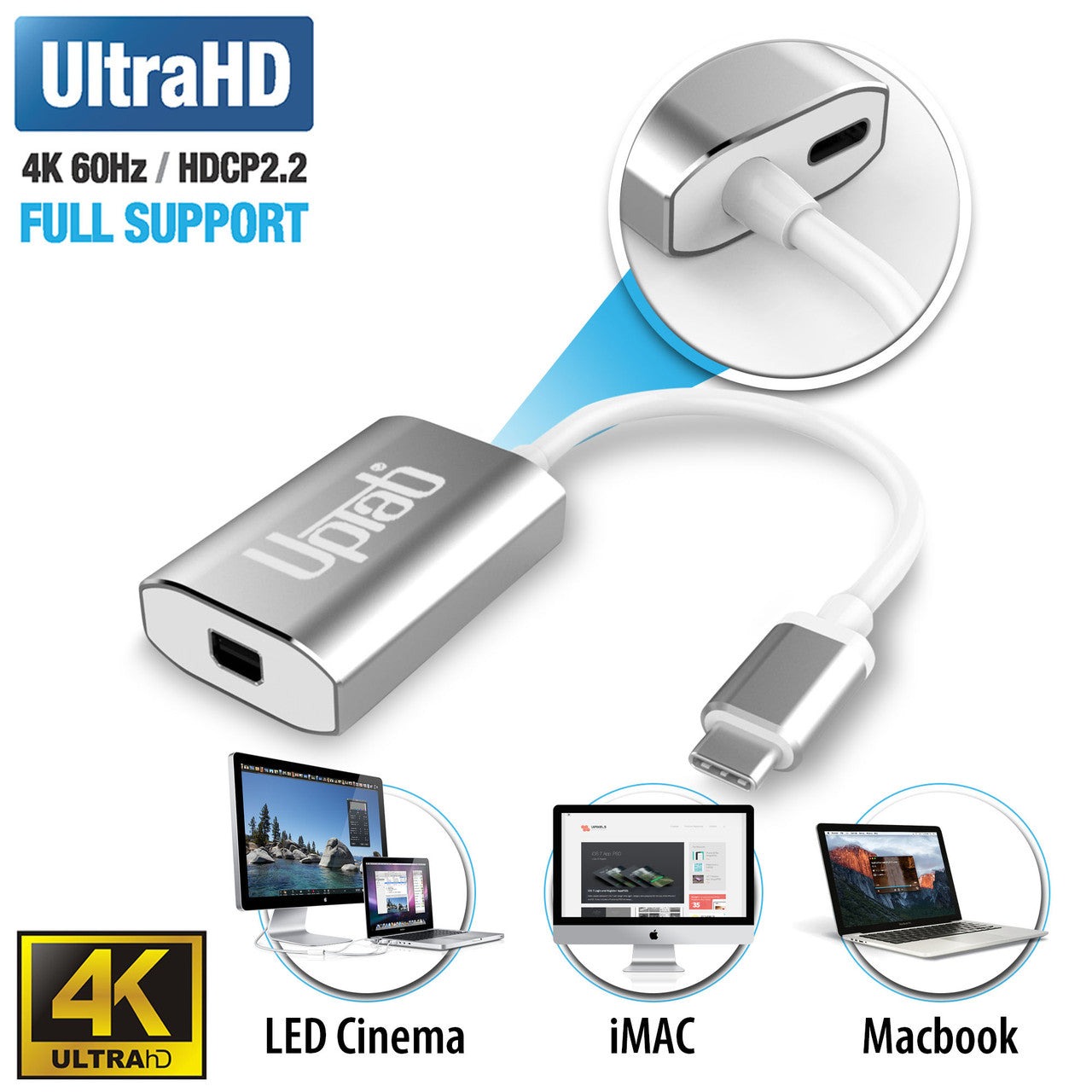
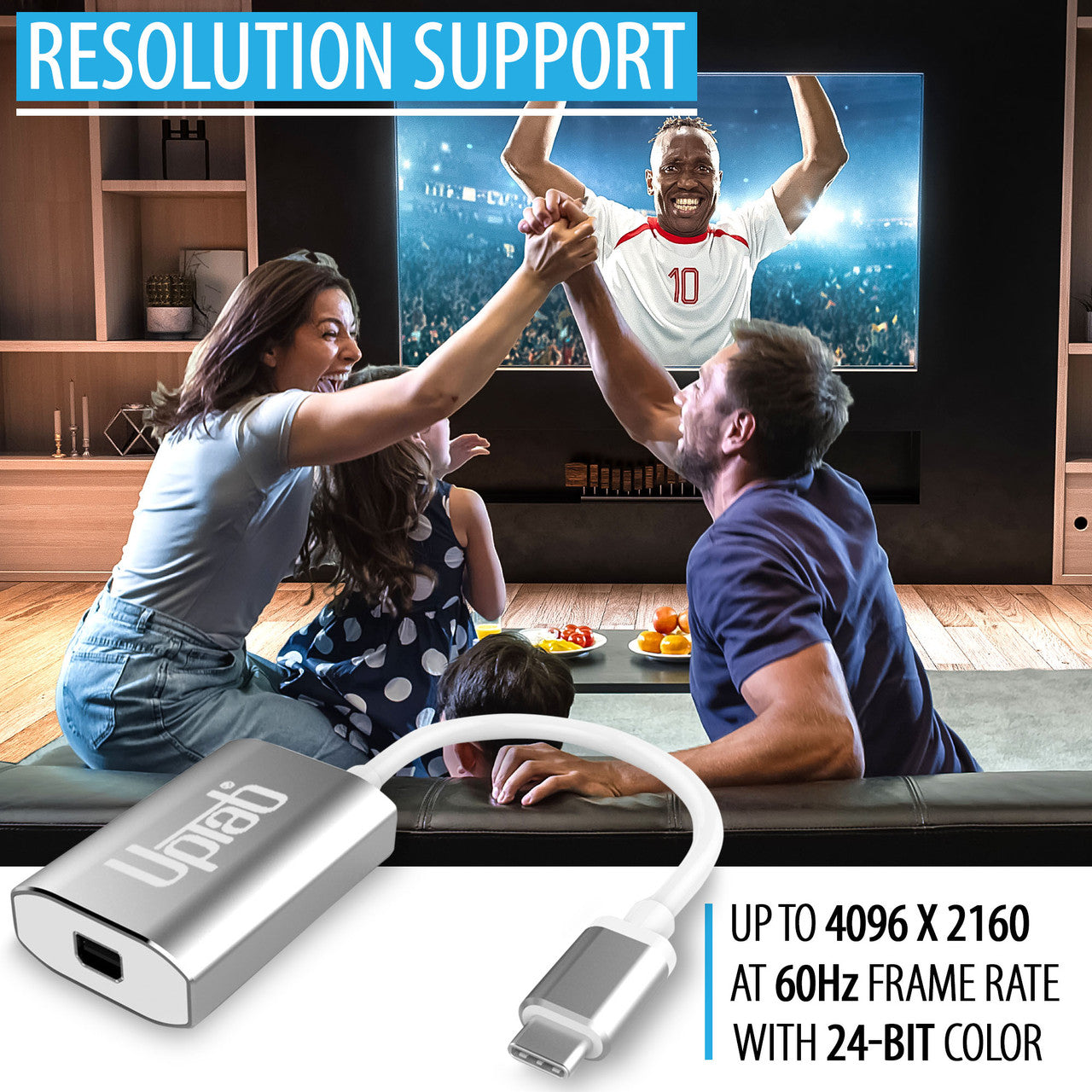
Atemberaubende Bilder – Unterstützt Ultra HD 4K bei 60 Hz für reibungslose Videowiedergabe, Spiele und professionelle Bearbeitung.
-
Breite Gerätekompatibilität – Funktioniert nahtlos mit Apple MacBook Pro/Air, iPad Pro, iMac, Mac Mini, Chromebooks, Lenovo, HP und mehr.
-
Zukunftsfähige Technik – Ausgestattet mit DP 1.4 Alt-Mode-Konformität, HDCP 1.4/2.2-Unterstützung und fortschrittlicher EMI-Reduzierung.
-
Premium-Ausstattung – Robustes Aluminiumgehäuse für Wärmeableitung und dauerhafte Zuverlässigkeit.
-
Tragbar und reisefreundlich – Leichtes, kompaktes Design, perfekt für mobile Berufstätige und Studenten.
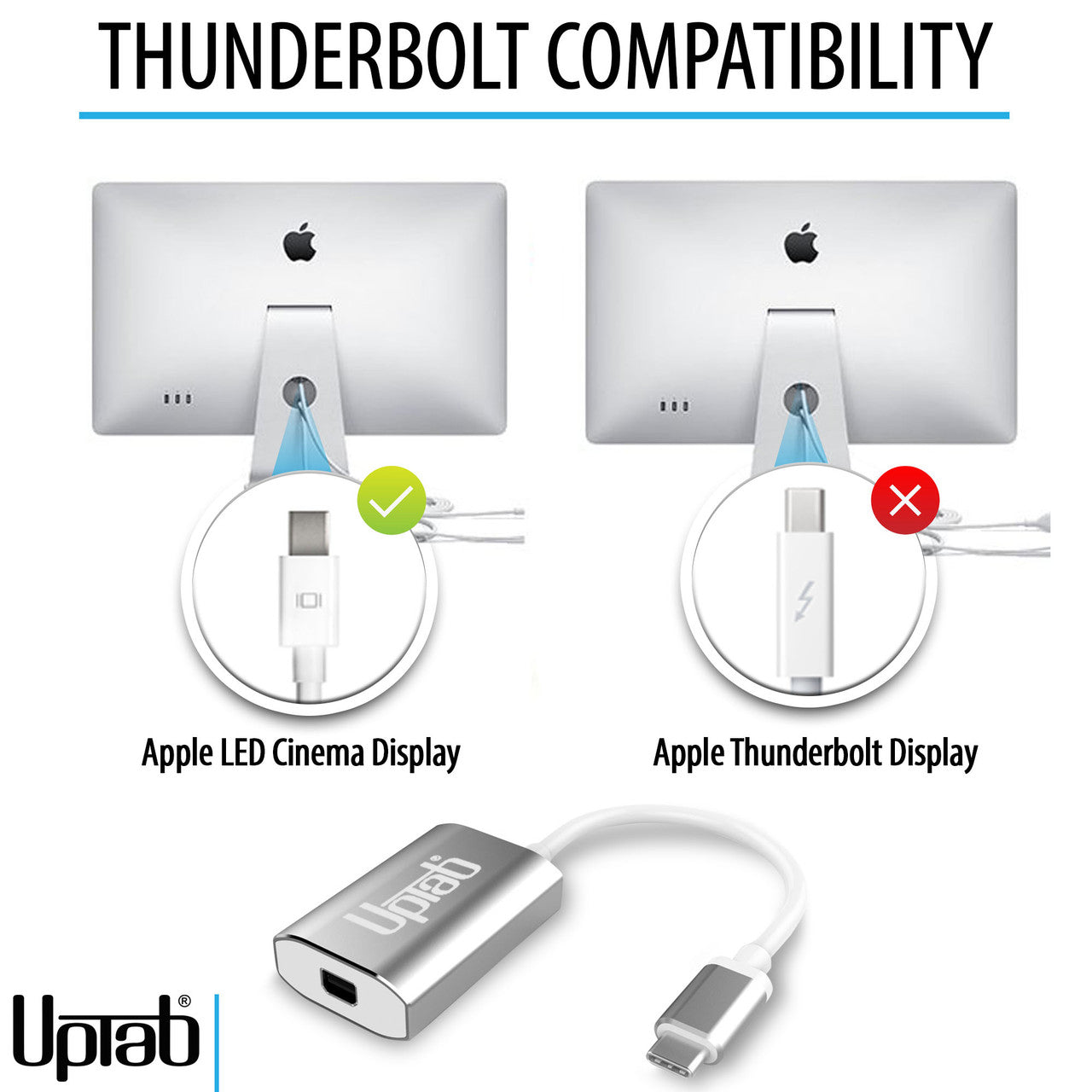
Kann nur Signale von USB-C (Typ C) auf Mini DisplayPort konvertieren. Dies ist kein bidirektionaler Adapter. Dieser Adapter ist NICHT mit Intel Thunderbolt 2 kompatibel.
Erfahren Sie, wie Sie feststellen, ob Ihr Apple-Display Mini DisplayPort oder Thunderbolt verwendet, welche Apple Cinema Displays kompatibel sind und wie Sie diese mit modernen USB-C- und Thunderbolt-Laptops verbinden. UPTab USB-C auf Mini DisplayPort Adapter
Höhepunkte:
- Kleine, kompakte Bauweise
- Elegante silberne Farbe
- Eigenstromversorgung – keine externe Stromversorgung erforderlich
- Anschluss an Mini DisplayPort
- Aluminiumgehäuse – hervorragende Wärmeableitung
- Power Delivery Pass-Through zum Laden
- Unterstützt Ultra HD 4K bei 60 Hz Auflösung
- Kompatibel mit Apple MacBook, Google Chromebook Pixel und mehr
- Enthält einen On-Chip-Mikroprozessor mit internem SPI-ROM
- Unterstützt die Inhaltsschutzformate HDCP 1.4 und HDCP 2.2
- HDCP 1.4 und HDCP 2.2 Repeater-Funktion mit On-Chip-Schlüsseln
- Unterstützt TMDS-Verschlüsselung zur Reduzierung von EMI/RFI
- Unterstützt SCDC (Status and Control Data Channel)
- Audiounterstützung für bis zu 8 LPCM-Kanäle
Kompatible Geräte:
- Apple MacBook Pro M1 und später, einschließlich neuer 14/16" M4 Pro und M4 Max
- Apple MacBook Air M3 und höher
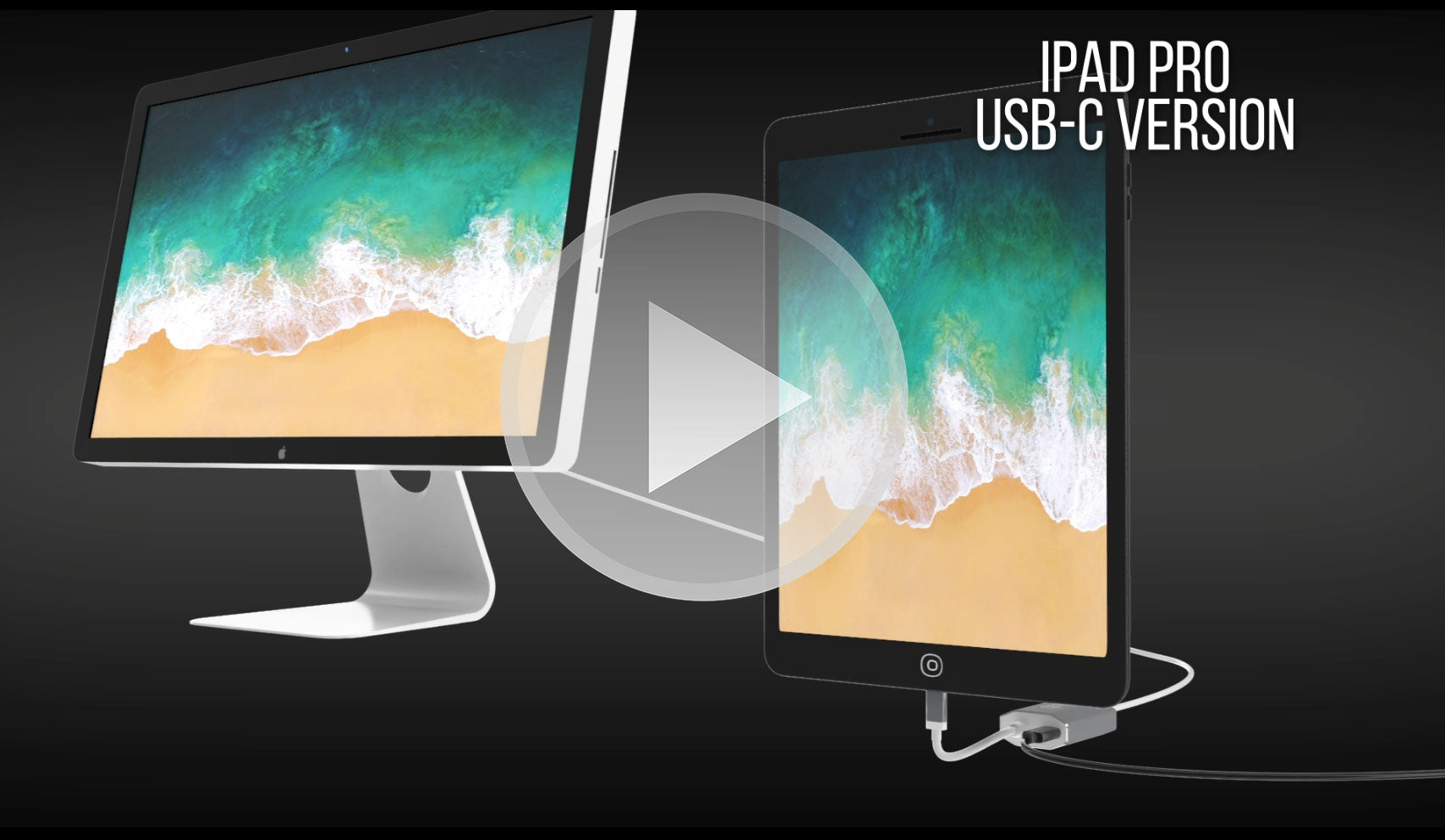
- Apple iPad Pro mit USB-C und neuer
- Apple iMac 2017 und neuer
- Apple Mac Mini M1 und höher
- Apple Mac Pro 2019 und neuer
- Android-Smartphones und -Tablets mit USB-C
- Google-Pixel
- Google Chromebooks mit USB-C
- Lenovo Laptops mit USB-C
- HP-Laptops mit USB-C
- Jeder Computer mit Thunderbolt 3 und USB 4.0
Smartphones und Tablets, die Videoausgabe unterstützen: Vollständige Liste
Wenn Sie Fragen haben, können Sie uns jederzeit gerne kontaktieren. Wir werden uns so schnell wie möglich bei Ihnen melden, werktags innerhalb von 24 Stunden.
-
Versandinformationen
Wir bearbeiten und versenden die meisten Bestellungen noch am selben Tag. Die Lieferzeiten variieren je nach der von Ihnen an der Kasse gewählten Versandart. Bitte stellen Sie sicher, dass Ihre Lieferadresse korrekt ist, um Verzögerungen zu vermeiden.
-
Kundendienst
Unser Team hilft Ihnen gerne weiter! Bei Fragen oder Unterstützung kontaktieren Sie uns per E-Mail oder über unser Kontaktformular. Wir melden uns schnellstmöglich bei Ihnen.
-
FAQs
Wann wird meine Bestellung versendet?
Die meisten Bestellungen werden noch am selben Tag bearbeitet und versendet. Die Lieferzeit hängt von der an der Kasse gewählten Versandoption ab.
Wie sind Ihre Rückgabebedingungen?
Eine Rücksendung der Artikel ist innerhalb von 30 Tagen in der Originalverpackung mit sämtlichem Zubehör möglich. -
Kontaktiere uns
Haben Sie Fragen oder benötigen Sie Hilfe? Wir sind für Sie da.
Der Kundendienst ist von Montag bis Freitag von 9:00 bis 17:00 Uhr (EST) erreichbar.
E-Mail: cs@uptab.com
Telefon: 1 (877) 333-1505
Oder nutzen Sie unser Kontaktformular– wir werden umgehend antworten.
Häufig gestellte Fragen
Häufig gestellte Fragen – USB-C-auf-Mini-DisplayPort-Adapter
Ich habe den Adapter angeschlossen, aber auf meinem Monitor wird kein Bild angezeigt.
- Es gibt verschiedene Gründe, warum das Video nicht angezeigt wird
- Ihr Monitor ist die Thunderbolt-Version des Apple Cinema Displays. Sie können dies anhand des kleinen Symbols auf dem weißen Kabel Ihres Monitors überprüfen. Bei einem kleinen Thunderbolt funktioniert unser Adapter nicht. Bei einem kleinen Quadrat mit zwei seitlichen Linien funktioniert unser Adapter wie erwartet, da Ihr Monitor die Mini DisplayPort-Version des Apple Cinema Displays ist.
Bitte stellen Sie sicher, dass Ihr Apple-Monitor an die Stromversorgung angeschlossen und betriebsbereit ist.
Warum kann ich die Helligkeit, den Ton und die iSight-Kamera auf meinem Apple Cinema Display nicht steuern?
- Sie müssen das USB-A-Kabel von Ihrem Apple Cinema Display an Ihren Laptop anschließen, um Helligkeit, Audio und iSight-Kamera steuern zu können.
Mit dem UPTab-Adapter erhalte ich nur 4K bei 30 Hz. Wie kann ich 4K bei 60 Hz erreichen?
- Es gibt verschiedene Gründe, warum ein 4K-Display mit unserem Adapter auf 4K 30 Hz begrenzt ist. Wir empfehlen, zunächst Folgendes zu überprüfen:
- Der USB-C-Ausgangsanschluss muss DP1.4 ALT-kompatibel unterstützen, um 4K bei 60 Hz zu erhalten, oder DP1.2 für 4K bei 30 Hz.
- Systemanforderungen, um sicherzustellen, dass der interne Grafikprozessor 4K bei 60 Hz unterstützt und dass der Ausgangsanschluss am System/GPU 4K bei 60 Hz unterstützt.
Ist dieser Adapter mit MacBook Pro, MacBook Air, iPad Pro und anderen USB-C-Geräten kompatibel?
Ja, es funktioniert mit USB-C- und Thunderbolt 3/4-Geräte wie MacBook Pro, MacBook Air, iPad Pro, Mac Mini, iMac und viele Windows-Laptops, die die Videoausgabe über USB-C unterstützen.
Muss ich Treiber oder Software installieren, damit dieser Adapter funktioniert?
Es sind keine Treiber erforderlich. Dieser Adapter ist Plug-and-Play, sobald die Verbindung hergestellt ist, sollte Ihr Display automatisch erkannt werden.
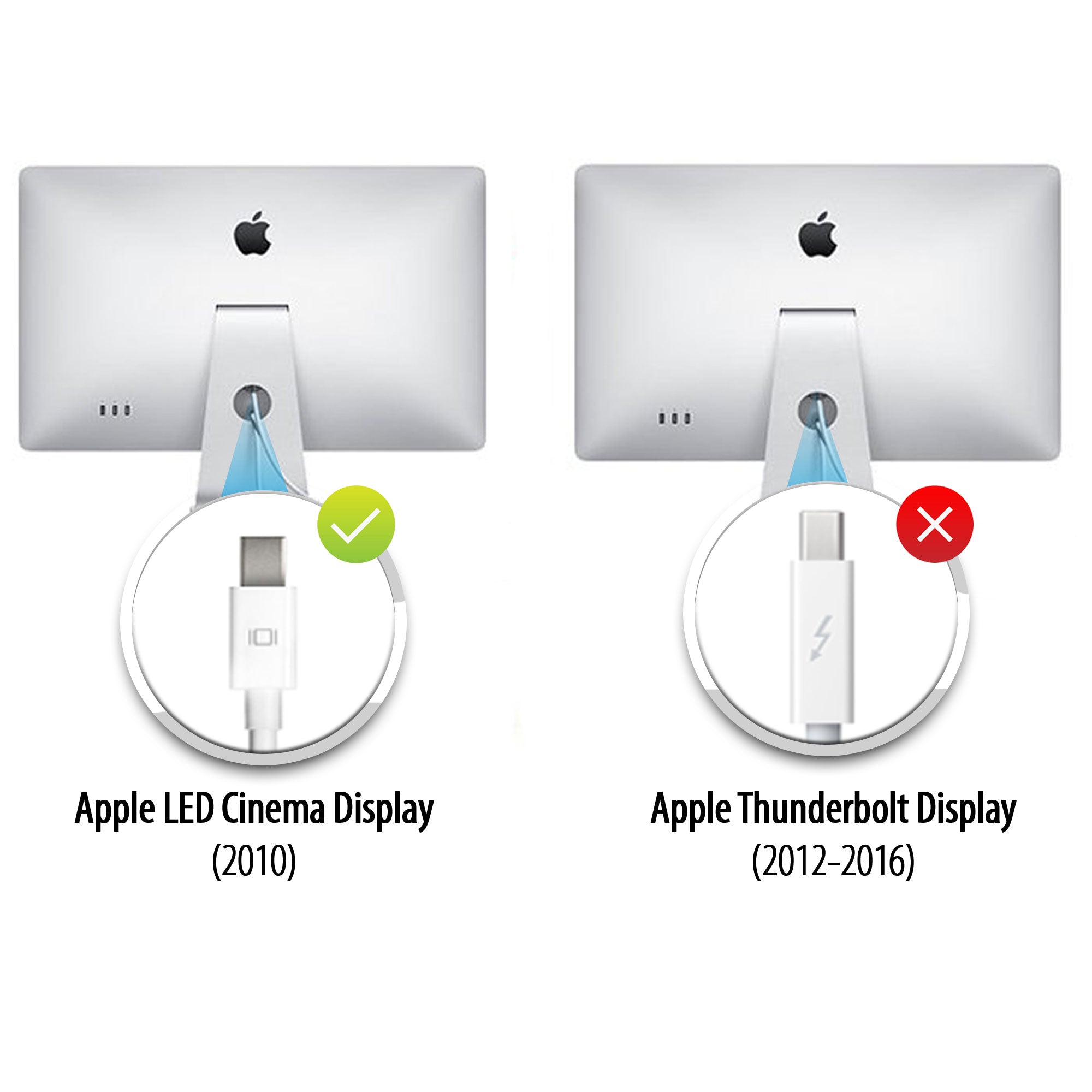
Kinodisplays
Apple hat zwei sehr ähnlich aussehende Cinema Displays hergestellt, die Sie jedoch anhand des Anschlusslogos auf dem weißen Kabel unterscheiden können:
- Apple Thunderbolt Cinema Display – Der Stecker weist eine Blitzsymbol (⚡).
- Apple LED Cinema Display (Mini DisplayPort) – Der Stecker zeigt die Mini DisplayPort-Logo (ein Quadrat mit zwei vertikalen Linien auf jeder Seite).
Die einfachste Möglichkeit, die beiden Modelle zu unterscheiden, besteht darin, dieses kleine Logo auf dem Kabel zu überprüfen.
Doesn’t work

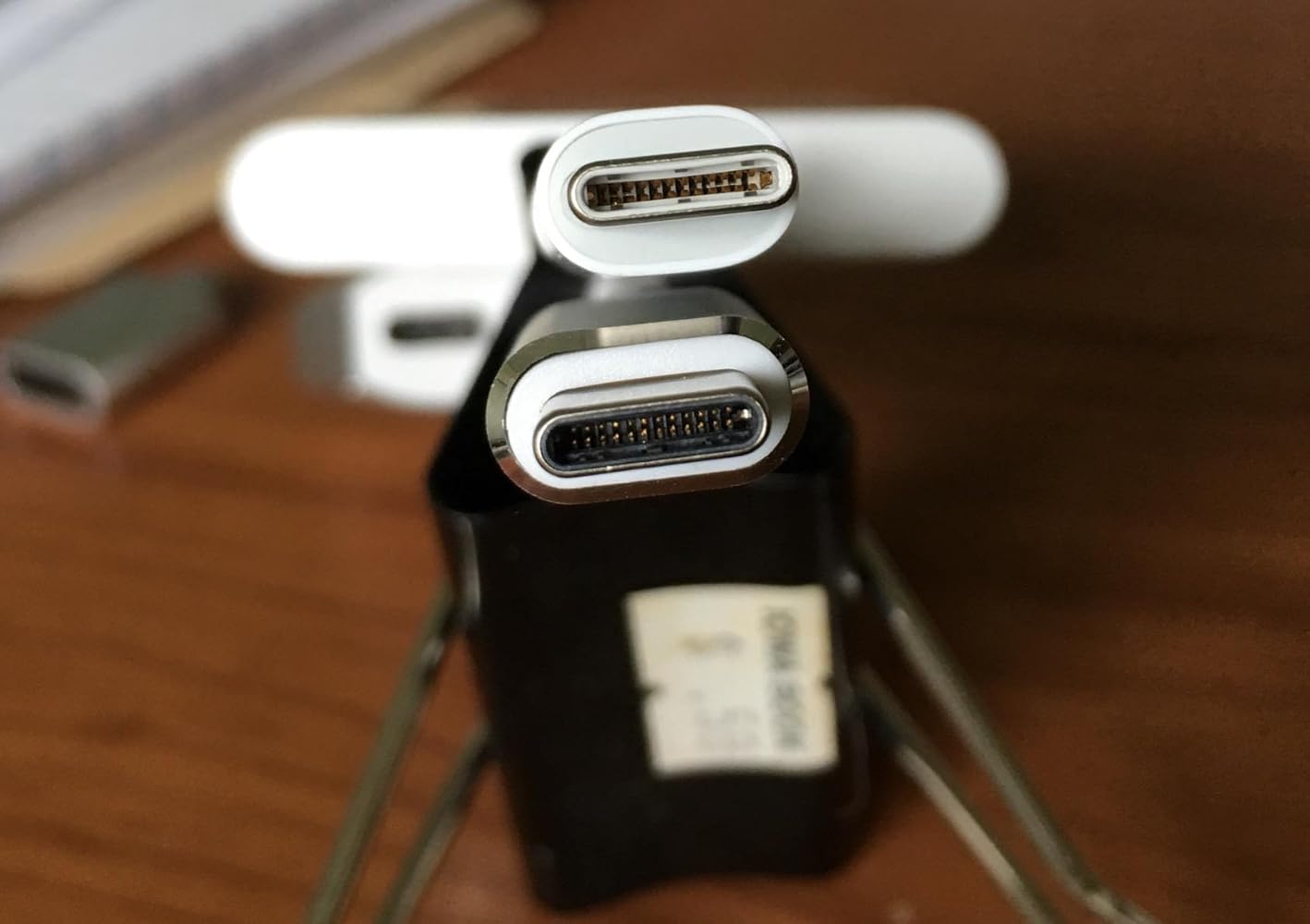
The adapter is larger than the other usb-c adapter from Apple, see the above picture,the upper one is from Apple. What a joke! Can not get a decent quality adapter! One usb-c port of my mcbook pro was ruined due to this. Do not buy.
If you are using this adapter out a Mac Mini to your old Apple Cinema Display (mine is from 2010)….I’ll save you some frustration… Internet searching… and UpTab help email when this gizmo DOESN’T WORK. The UpTab adapter is NOT an all-in-one adapter. It ONLY transfers IMAGE out your Mac Mini M2 to your Cinema Display: NOT AUDIO…. Or at least not enough to really hear. You will need to ALSO plug in the USB connector from your Cinema Display INTO the Mac Mini USB port as pictured in these photos. THEN…. you will have full audio Mac Mini to Cinema Display. I did not realize that this UpTab adapter was just basically a video only adapter when it comes to my Apple Cinema Display. Once I found this out, everything worked perfectly.


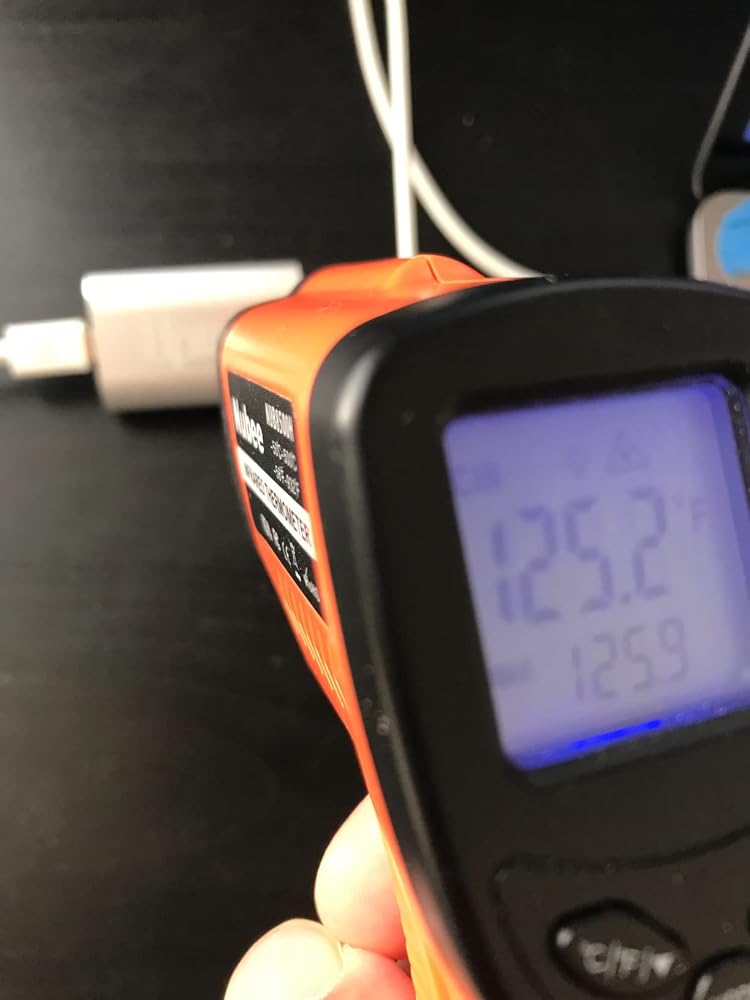
It's super hot on the adaptor's surface (125 'F). Perhaps add a fan or peltier to cool down the heat.

Help! There is not an option to adjust the brightness on my cinema display in the system preferences menu.

Works perfect with M1 Max 16" to Apple LED Cinema Displays with Mini Display PortI'm running two of them via the left two Thunderbolt/usb-c ports and there are no visible issues with the LED Cinema Displays. There is no brightness control that I can find though.


Got this to connect my 2016 Macbook 12" retina to a 2009 27" iMac as a secondary display, in TDM (target display mode.) Pugged it up with a mini displayport cable, pressed command + F2, and voila. I gained basically 4x more screen real estate. As young people say, it's amaze balls. 5/7 would buy again.
My MacBook Pro gave up the ghost and I had an old Apple Cinema Display in store ..... so I took the decision to get a new MacMini and see if it would all come togetherI had read many reviews of adaptors that “might or might not” connect the two .... and an article that highly recommended this particular connector although it cost a small amount moreI am very pleased that I did .... it has worked without a hitch ... and was well worth the extra trouble of getting it in from the US when I live in the UK
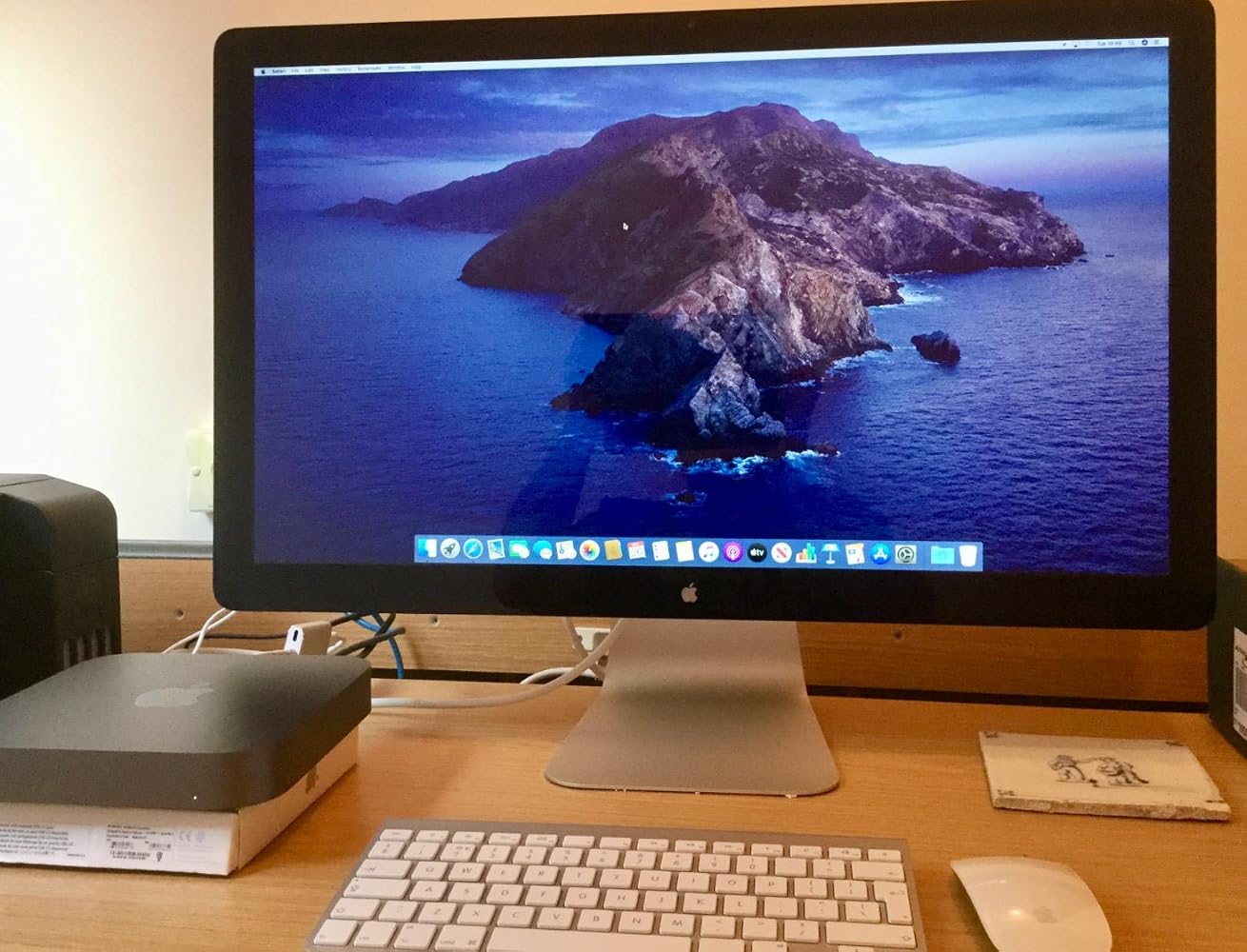
Used this to connect my 2010 Apple Cinema Display to my MacBook Pro 2017. It works and shows great. You have to keep your MacBook power cord plugged in and you will need a USB Adapter to get sound from the Cinema Display. I can now use my Cinema Display as a large monitor, or 2 separate screens. Note, this is not for the 27” thunderbolt displays. That specific model requires a Thunderbolt adapter (with the lightning symbol on it). This product= Perfect fit, and fast shipping.
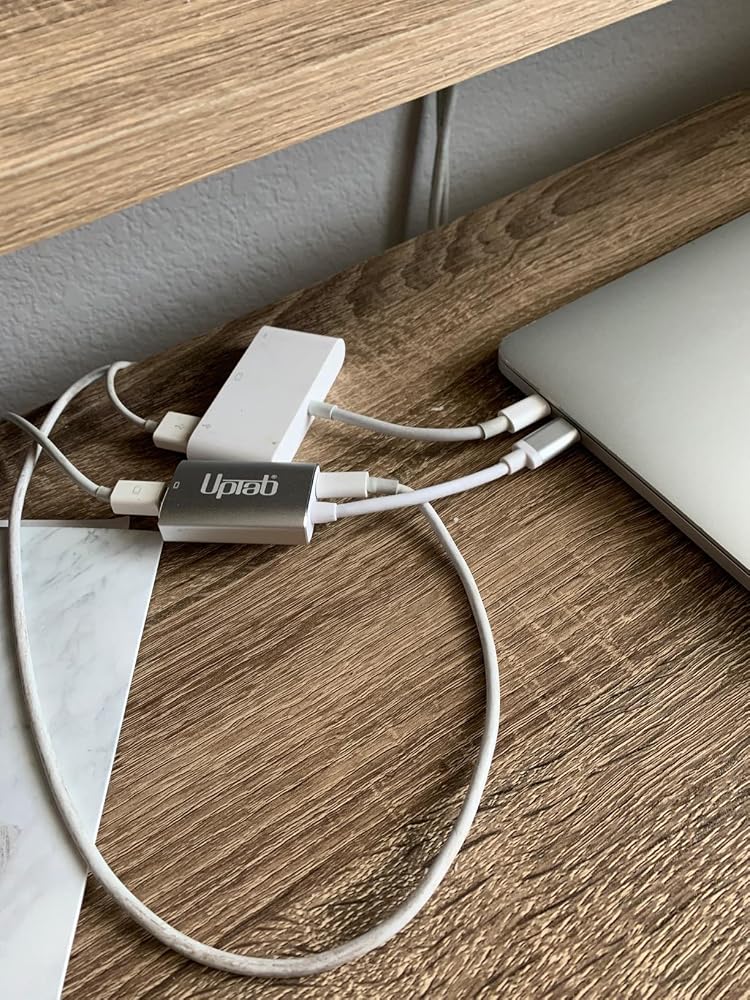
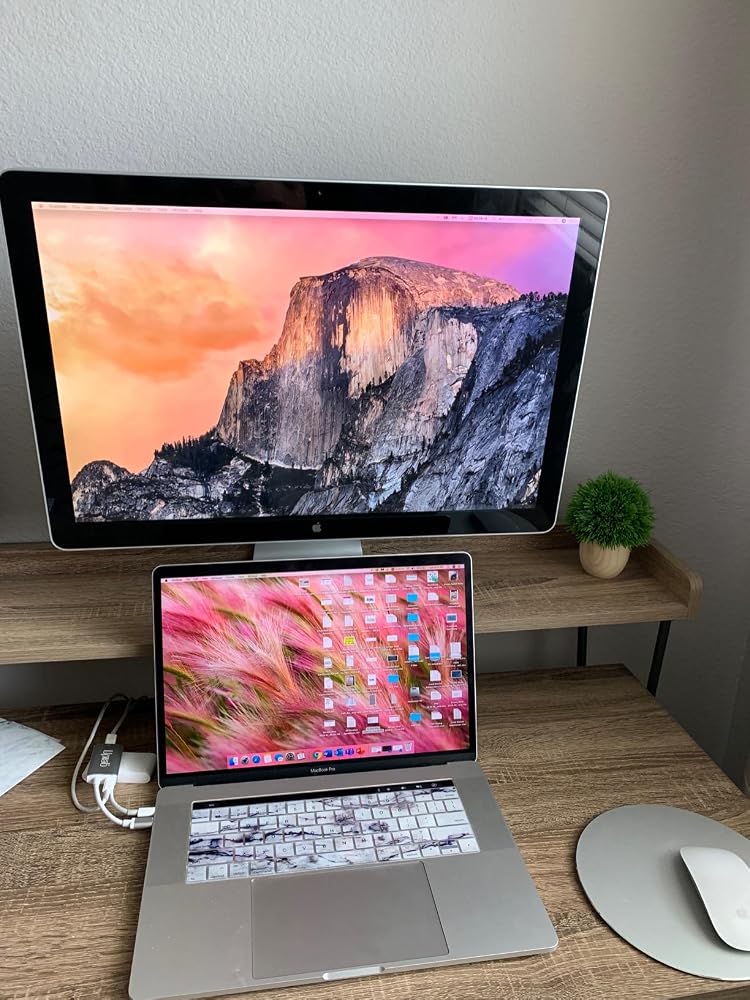
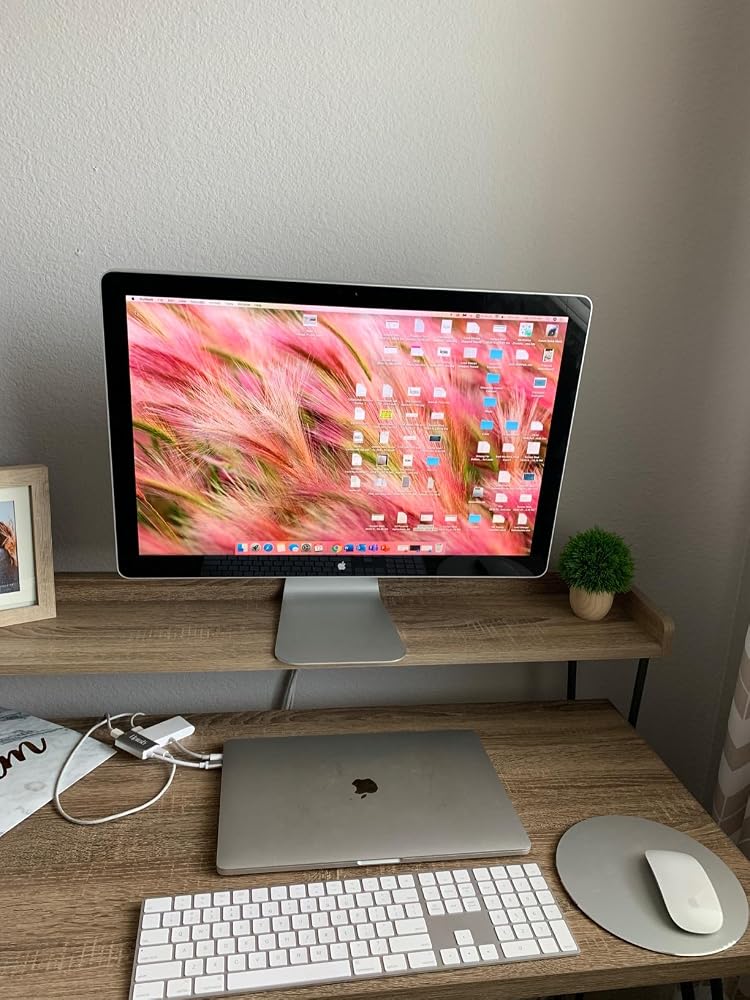
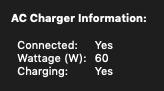
Minus 1 star for not listing the pass-through power wattage rating in the product specs/description.That said, 60 watts is charging my 2019 Macbook pro (which uses an 87W charger) when not under heavy strain. However, I'm fearful this lower wattage could be detrimental to the battery's overall lifespan.
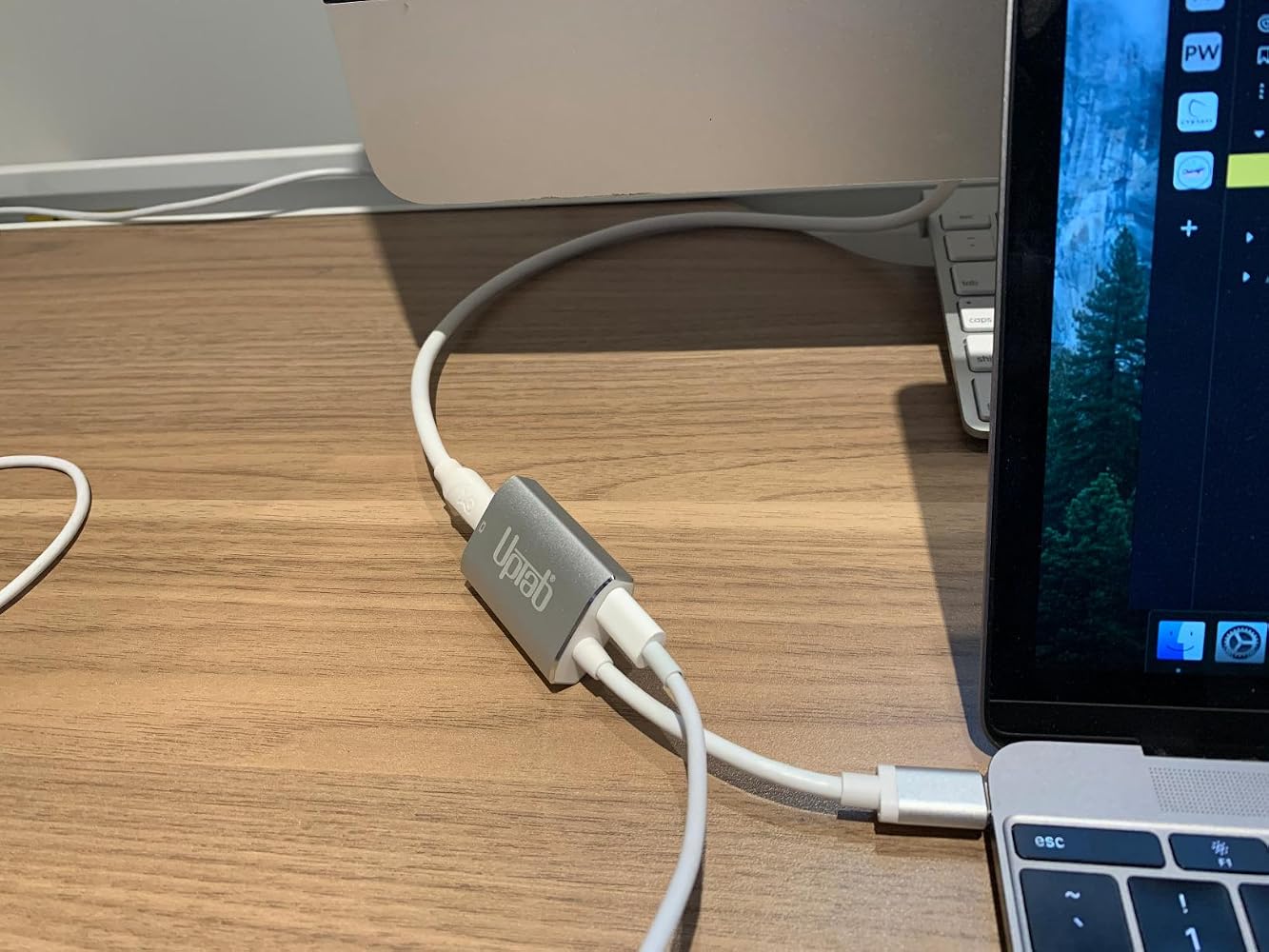
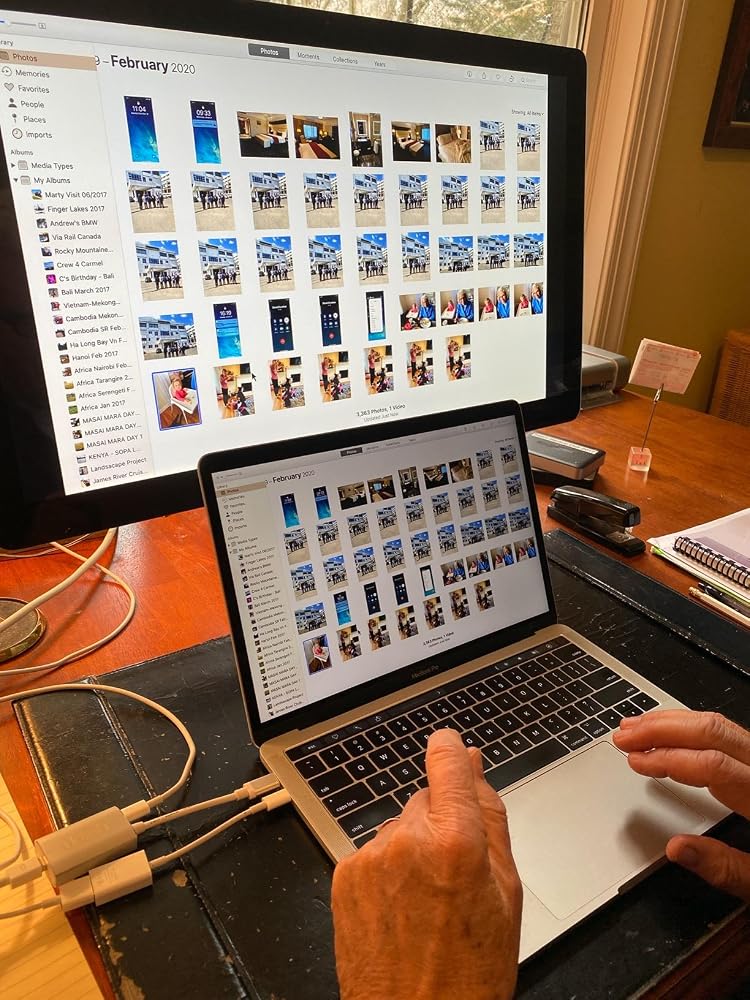
I am thrilled with this device! I thought our Apple LED Cinema Display was going to be unusable with a new MacBook with USB-C ports. We plugged the Cinema Display into the UPTab device, along with the USB-C power cord. Then, we used an Apple dongle to connect the USB cord from the Cinema Display to a USB-C port on the MacBook. Amazing! The laptop is charging. The screen works. All 3 USB ports on the back of the display work! Now, we just need to power up the keyboard and mouse and close the laptop! Thank you UPTab!!! I'll be ordering one more since we have another LED Cinema Display for a second laptop.
Very smooth experience from browsing and find product to finally getting the product shipment.
it was exactly what i needed :)
Great product! Good delivery.
It worked to run my old Apple Cine display from Macbook Air M3.
Funktioniert mit einem iMac 18,1 und einem Cinemadisplay perfekt
Very nice USB-C to Mini DisplayPort Adapter. It allowed me to use my Apple Cinema Display with my M1 Macbook Air. And with the addition of a power port I can charge my laptop at the same time without losing another port on the laptop.
It extended the usefulness of my Cinema Display
Seems to work perfectly to connect my old 30 in 2006 Apple Cinema Display via a mini display adapter to a USB-C port in my new Mac Mini. So happy to keep it going!
plug and play, allowed me to use apple 30" cinema display monitors with Apple studio
Works perfect
I bought this hoping it would let my co-worker use his old school headphones with audio jack on his new MacBook Pro with touchbar. Didn't work despite the ports being correct. Disappointed because trying to solve this has been quite a struggle.
Absolute garbage. Doesn’t work with my MacBook Pro. Doesn’t work with my 2018 iPad Pro. Total. Waste. Of. Money.Would return if I could but I ordered it months ago and only discovered it’s uselessness today.
Compré este adaptador para poder conectar mi mac book pro con la pantalla Cinema Display de Apple, sin embargo no fue posible
It did not work on a new MacBook Pro in driving an older Apple Cinema Display, and was returned.
Bought this to connect a MacBook Pro (15-Inch, 2017) to a Dell U2713HM monitor. The connection is very sensitive and unreliable. For example, I have to position the dongle in such a way to avoid a blank monitor.
I had basically the same experience as with a similar adaptor I bought, and I left a thorough review here that also applies to this adaptor (minus the updates as I haven't returned this one yet): https://www.amazon.com/gp/customer-reviews/R1SBG8XB5E0BYH/ref=cm_cr_arp_d_rvw_ttl?ie=UTF8&ASIN=B01N2ORP84
Kostenloser Versand über $50
Versand am selben Tag für die meisten Bestellungen