

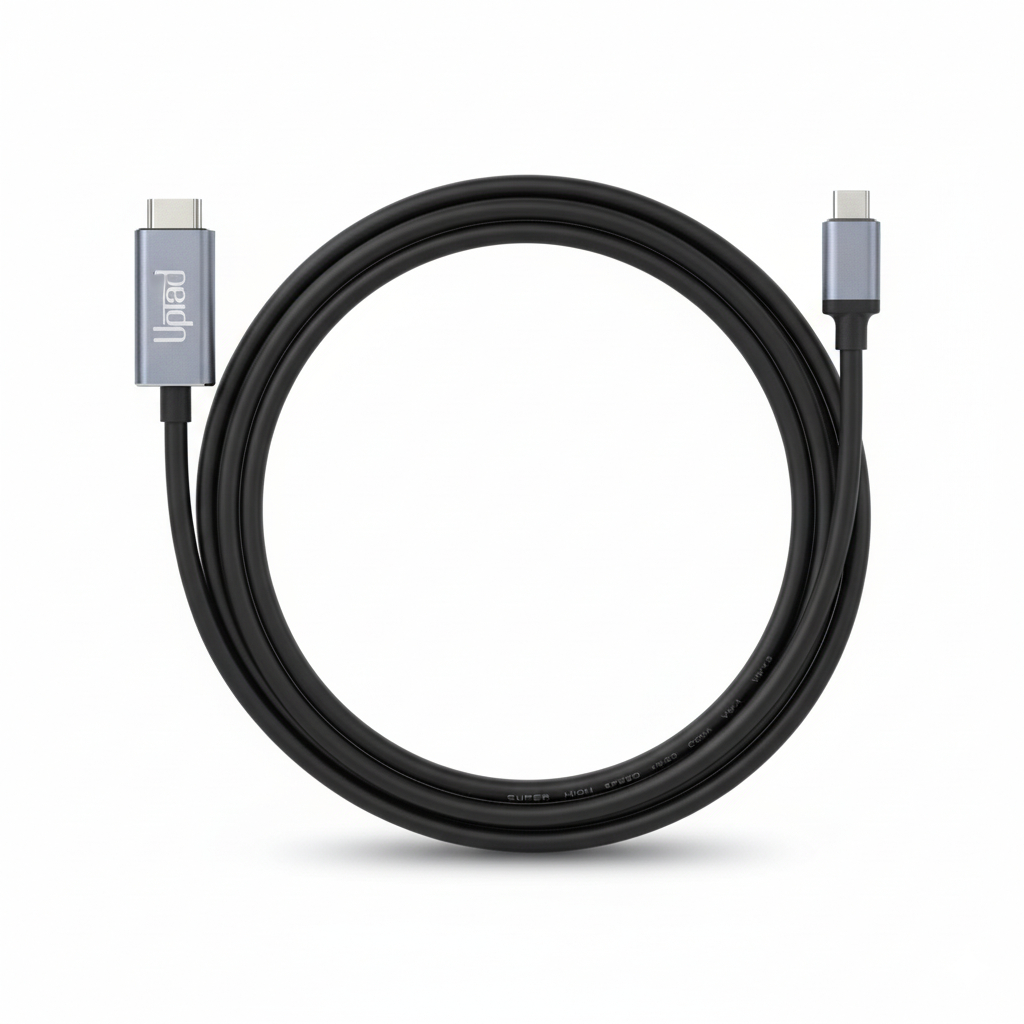
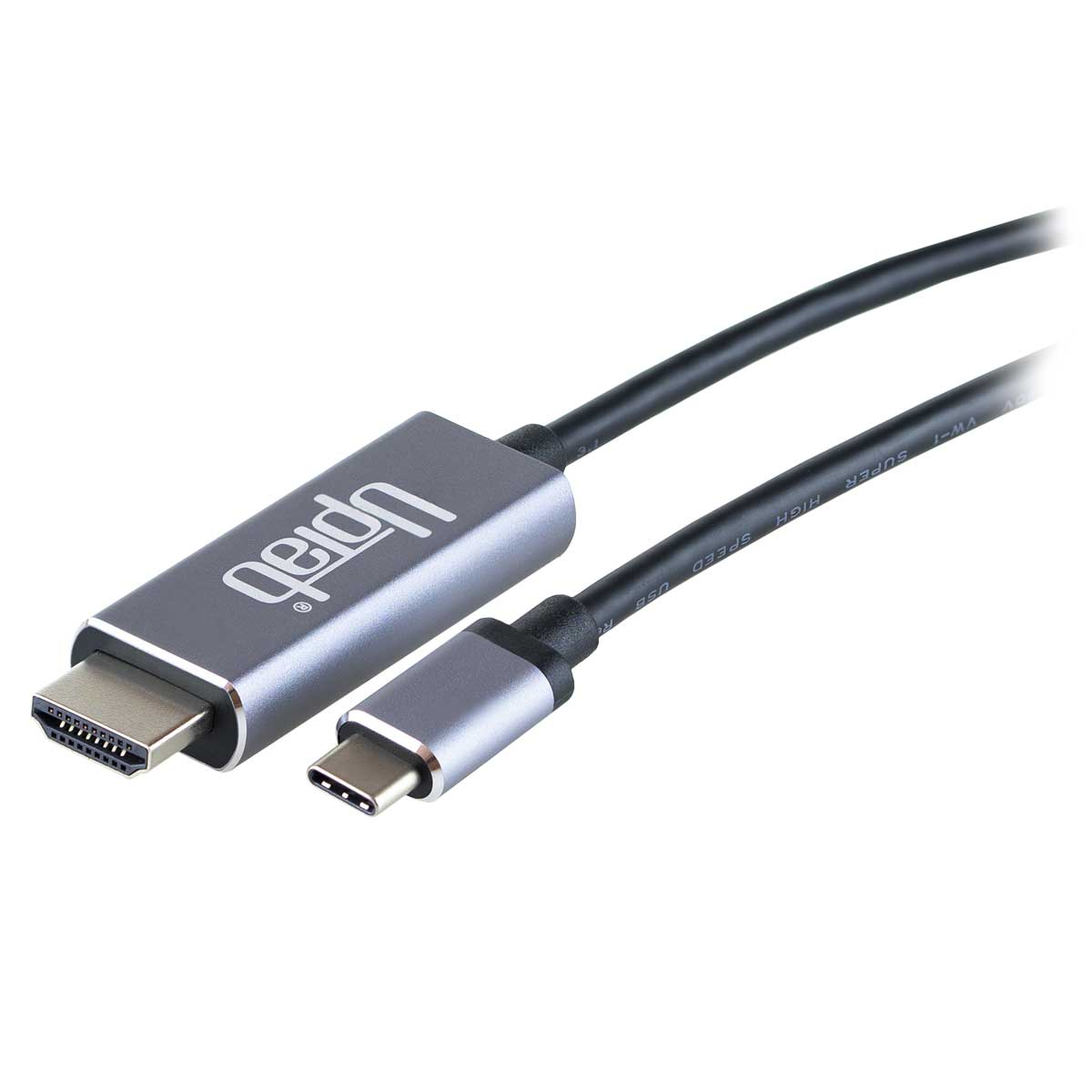
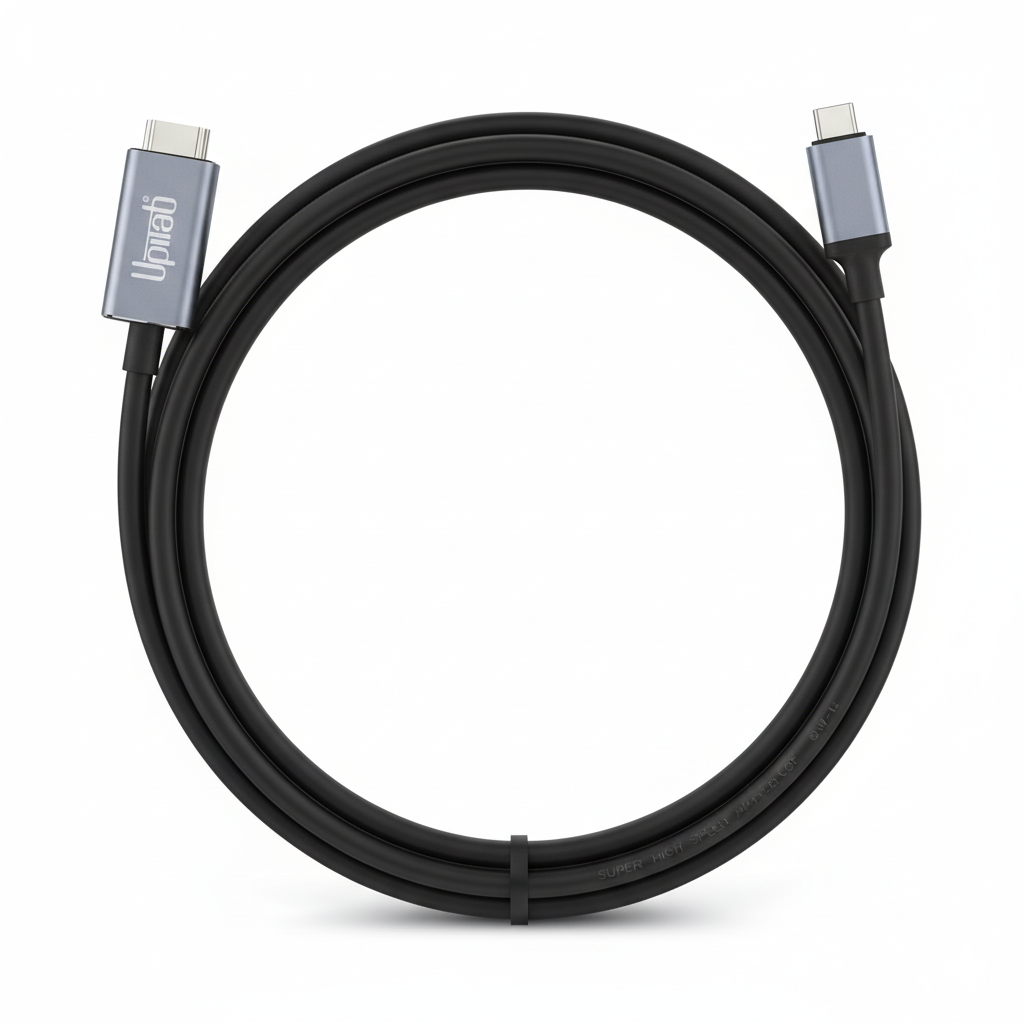
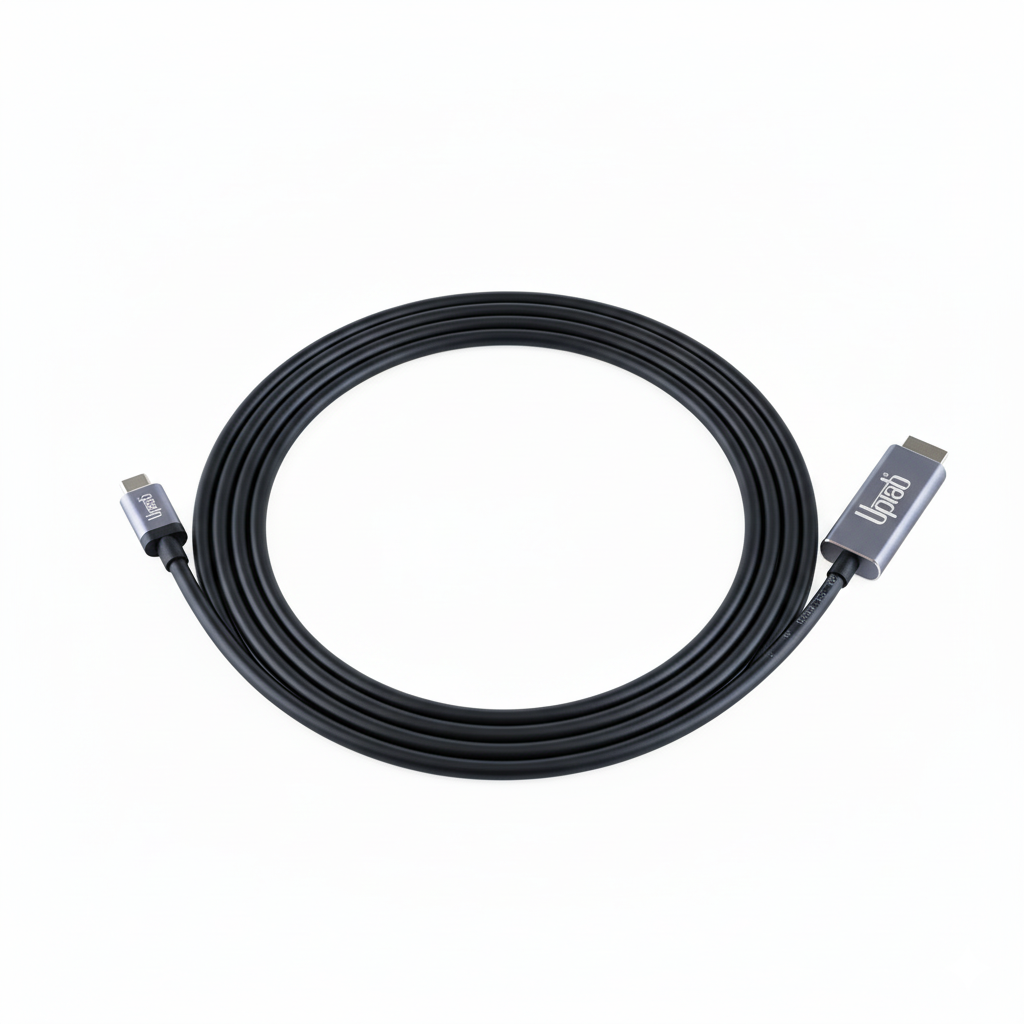
Cable USB C a HDMI 2.0b 4K con HDR 2M/6.56 pies
About this item
Combina bien con
ENVÍO EL MISMO DÍA. Haga su pedido antes de las 11 a. m. (EST)
Envío gratuito en pedidos superiores a $50
Apoyo técnico
Devolución en 30 días
Garantía de 1 año
Cable USB C a HDMI 2.0b 4K con HDR 2M/6.56 pies
Detalles del producto
El cable UPTab USB C 3.2 a HDMI 2.0b permite que una computadora se conecte a una pantalla HDMI UltraHD, incluso sin un puerto HDMI en la computadora. Este adaptador es ideal para quienes se dedican a la informática, los juegos o los gráficos de alto nivel, ya que proporciona el mayor rendimiento disponible.
Conecte el extremo USB C (Tipo-C) del conector a su computadora y conecte su cable HDMI 2.0 existente desde la pantalla o televisor al adaptador. El adaptador convierte la señal de vídeo USB C en una señal HDMI de hasta UHD 4K 4096x2160@60Hz con alto rango dinámico (HDR).
El cable adaptador permitirá un color RGB verdadero sin la degradación visual del color que se produce en otros formatos de color que utilizan submuestreo. Cuando se desea audio, el adaptador DisplayPort también transmitirá audio de hasta 8 canales para una experiencia inmersiva de audio y video.
compatible con:
- Apple MacBook, MacBook Pro, nueva MacBook Air, iMac, Mac Mini, iPad Pro, Samsung S10, Lenovo Yoga, Surface Book 2 y más.
Especificaciones:
- Entrada: USB C (Tipo-C) 3.2 o Thunderbolt 3
- Terminal de salida: HDMI 2.0b
- Señal HDMI hasta UHD 4K 4096x2160@60Hz
- Alto rango dinámico HDR10, HDR10+ y Dolby Vision HDR
- Transmite hasta 8 canales de audio para una experiencia de audio y video inmersiva
- Longitud 2 metros/6,56 pies
- 1 año de garantía
en la caja:
- 1 cable UPTab USB C (tipo C) a HDMI 2.0b HDR 4K.
Notas: Solo funciona en un puerto USB-C que admita el modo DP Alt.
Si tiene alguna pregunta, no dude en contactarnos. Le responderemos lo antes posible, en un plazo de 24 horas entre semana.
-
Información de envío
Procesamos y enviamos la mayoría de los pedidos el mismo día. Los plazos de entrega varían según el método de envío seleccionado al finalizar la compra. Asegúrate de que tu dirección de envío sea correcta para evitar retrasos.
-
Atención al cliente
¡Nuestro equipo está aquí para ayudarte! Si tienes alguna pregunta o necesitas ayuda, contáctanos por correo electrónico o a través de nuestro formulario de contacto. Nos pondremos en contacto contigo lo antes posible.
-
Preguntas frecuentes
¿Cuándo se enviará mi pedido?
La mayoría de los pedidos se procesan y envían el mismo día. El tiempo de entrega depende de la opción de envío seleccionada al finalizar la compra.
¿Cuál es su política de devolución?
Los artículos pueden devolverse dentro de los 30 días en el embalaje original con todos los accesorios incluidos. -
Contáctenos
¿Tienes preguntas o necesitas ayuda? Estamos aquí para ayudarte.
Servicio al cliente disponible de lunes a viernes de 9 a. m. a 5 p. m. (EST)
Correo electrónico: cs@uptab.com
Teléfono: 1 (877) 333-1505
O utilice nuestro formulario de contacto : le responderemos a la brevedad.
Bought many other options but they all failed the claims of HDR compatibility. The product (cable and ends) are of superb quality, packaging has plenty of information in PERFECT ENGLISH. Most importantly, it enabled HDR on a MacBook Air M1 with CalDigit Element Hub running MacOSX Monterey, and did so on a Thinkpad X270 running Windows 10 Pro. Price of 2 cables was less than 1/3rd of what I paid for a single cable that failed to solve my problem.Curious and would like to pay for and try other products from this manufacturer.


This cable worked perfectly for what I needed, to drive a 4K 60Hz 10-bit monitor/TV (TCL 43S525 with HDMI version 2.0a I think) with a MacBook Pro 13 Retina (2017). I also tried it with my Samsung S10e phone to run DeX on the same TCL monitor, but the screen flashes black every few seconds. I think it's a problem between the phone and TCL TV, though, not the cable.I did have a problem with the first cable flashing black on everything I tried, but UPTab customer service was excellent and they sent out a new cable immediately!
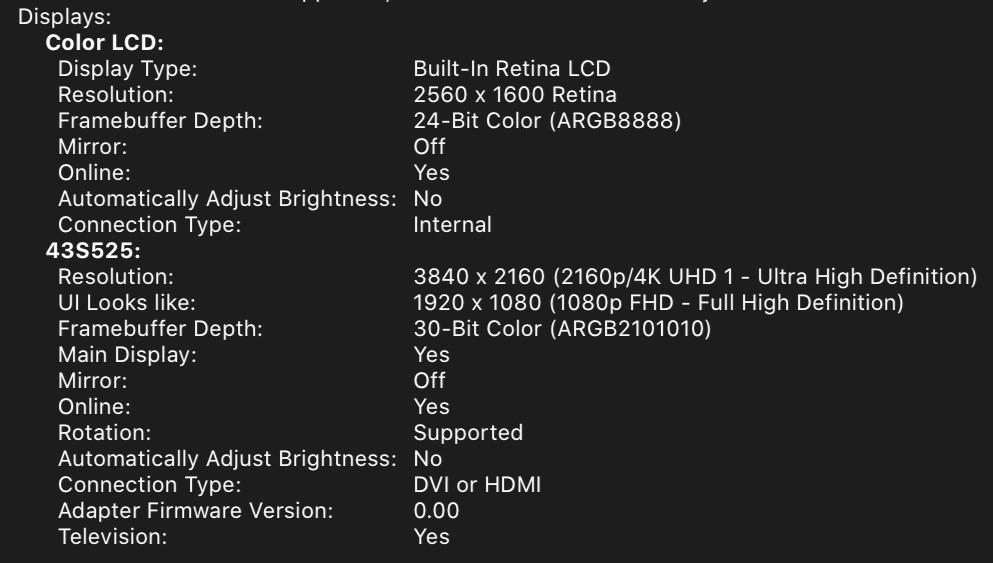
First cable I found that actually supports MacBookPro 16" (BigSur OS) natively with the LG OLED TV . Tested 2018 and 2020 OLED TVs. Perfect for Video editing where you need a quick way to view 4K HDR output . Tested in Premiere Pro 2021 v15.2. - macOS BigSur v11.4 and Windows 10 DirectX12 now support HDR directly making this super easy. Applications like Adobe Premiere Pro also use this OS level HDR support . Just set Premiere Pro's preference for Extended Range.
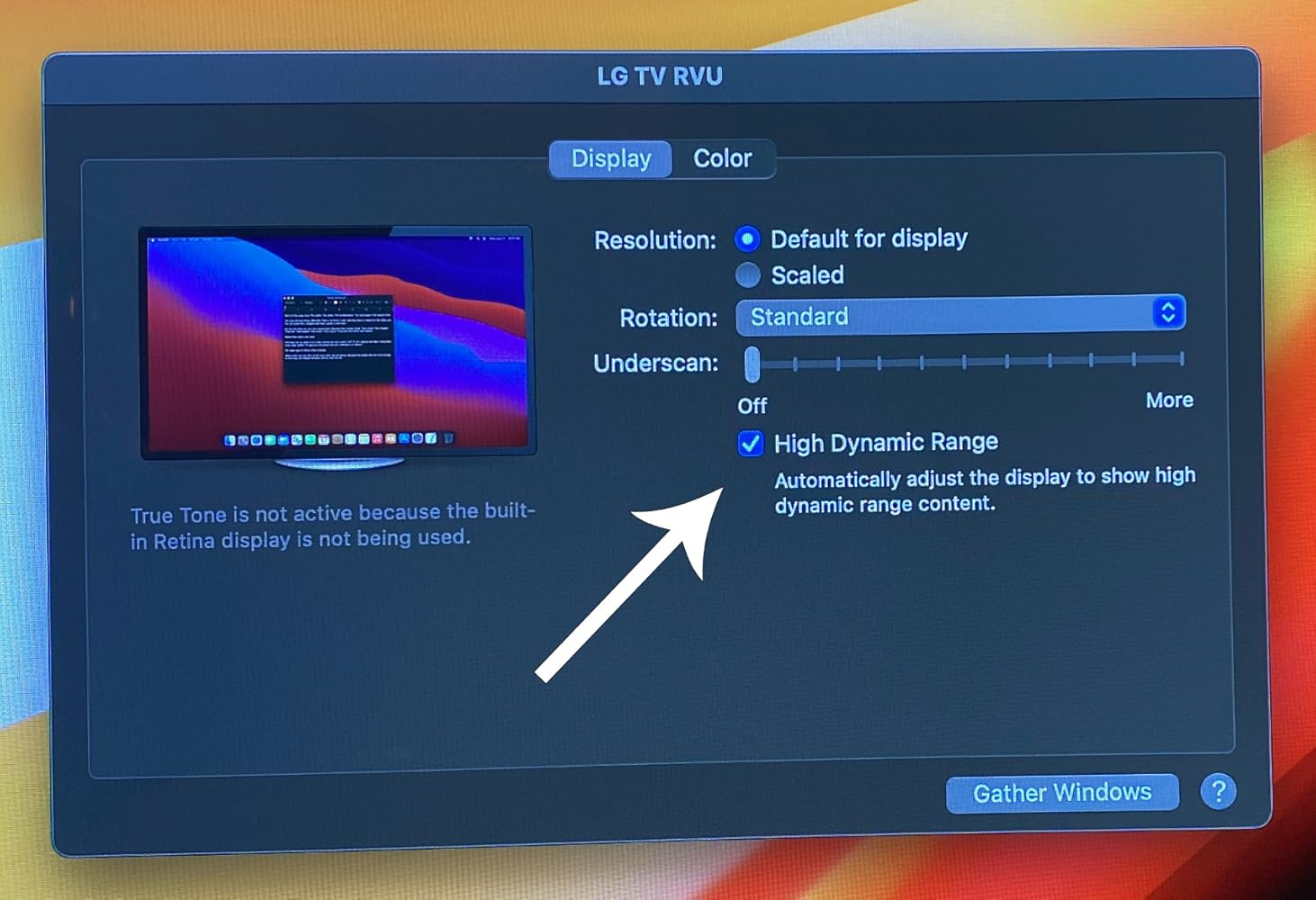
Buy this product, not other cheap products.
Works as intended
Very good cable.
None
This made connecting a 2nd monitor to my laptop super easy!
Used this cable to connect my 4k Dell monitor to my mac book pro 2017 laptop. Worked as expected, good quality.
Works great! Finally I can play 4k HDR contents on my Macbook Pro by simply connecting it to a TV.
Great value, compact, versatile device for leveraging mobile enjoyment of HD programming. Works as advertised. Be aware device display quality May have to be adjusted Depending on source media and source device. For example, Netflix HD output from my Dell XPS13-9370 Looks HD on a hotel LG HDTV from the get-go, but my Samsung Galaxy S9+ displayed dark and had to be corrected through TV display adjustments - an Easy Fix.
I can connect my surface pro to my tv with no problem. There is no lag and the picture quality is great.
Envío gratuito en pedidos superiores a $50
Envío el mismo día en la mayoría de los pedidos