

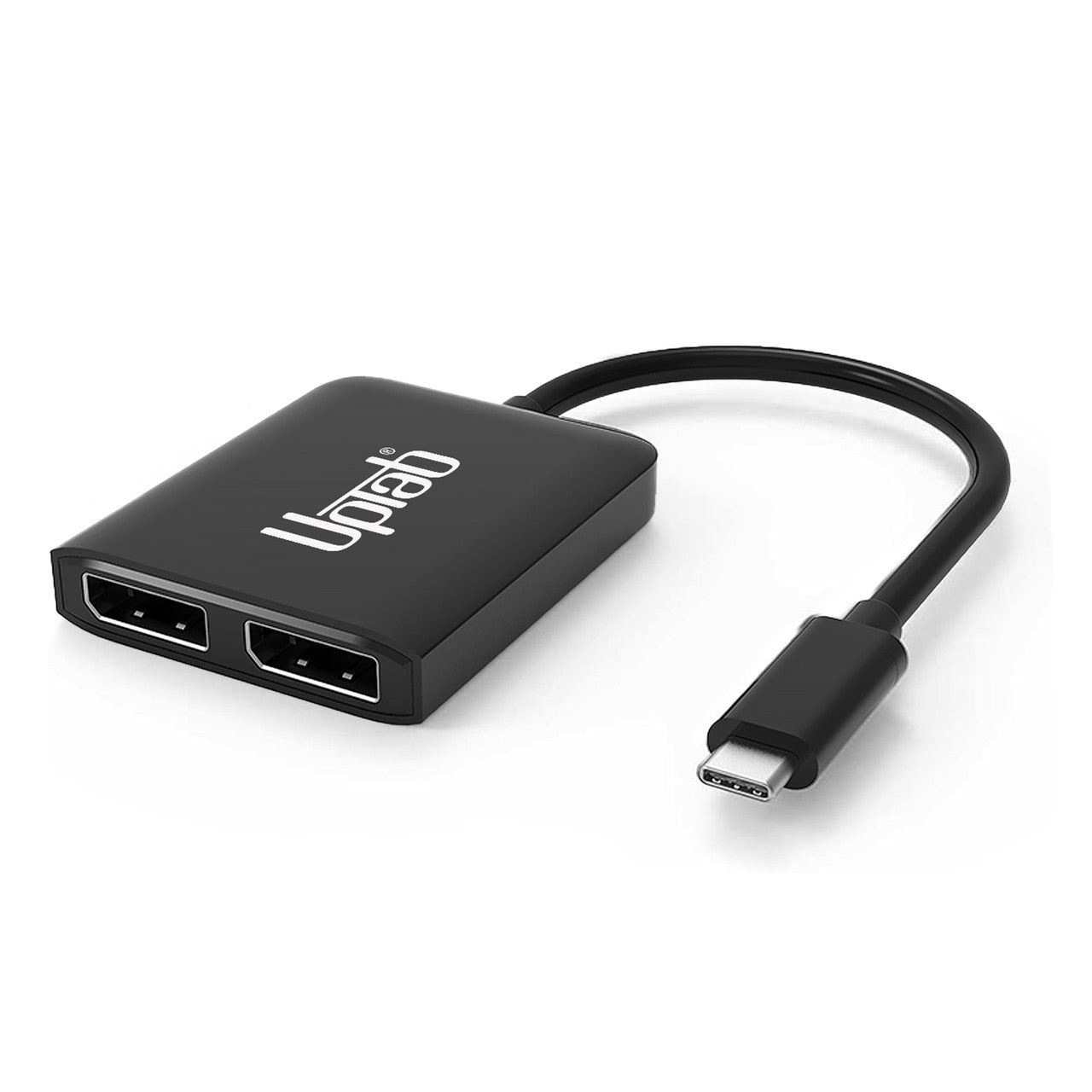
Adaptador USB C a DisplayPort dual 8K MST
About this item
Combina bien con
ENVÍO EL MISMO DÍA. Haga su pedido antes de las 11 a. m. (EST)
Envío gratuito en pedidos superiores a $50
Apoyo técnico
Devolución en 30 días
Garantía de 1 año
Adaptador USB C a DisplayPort dual 8K MST
Detalles del producto
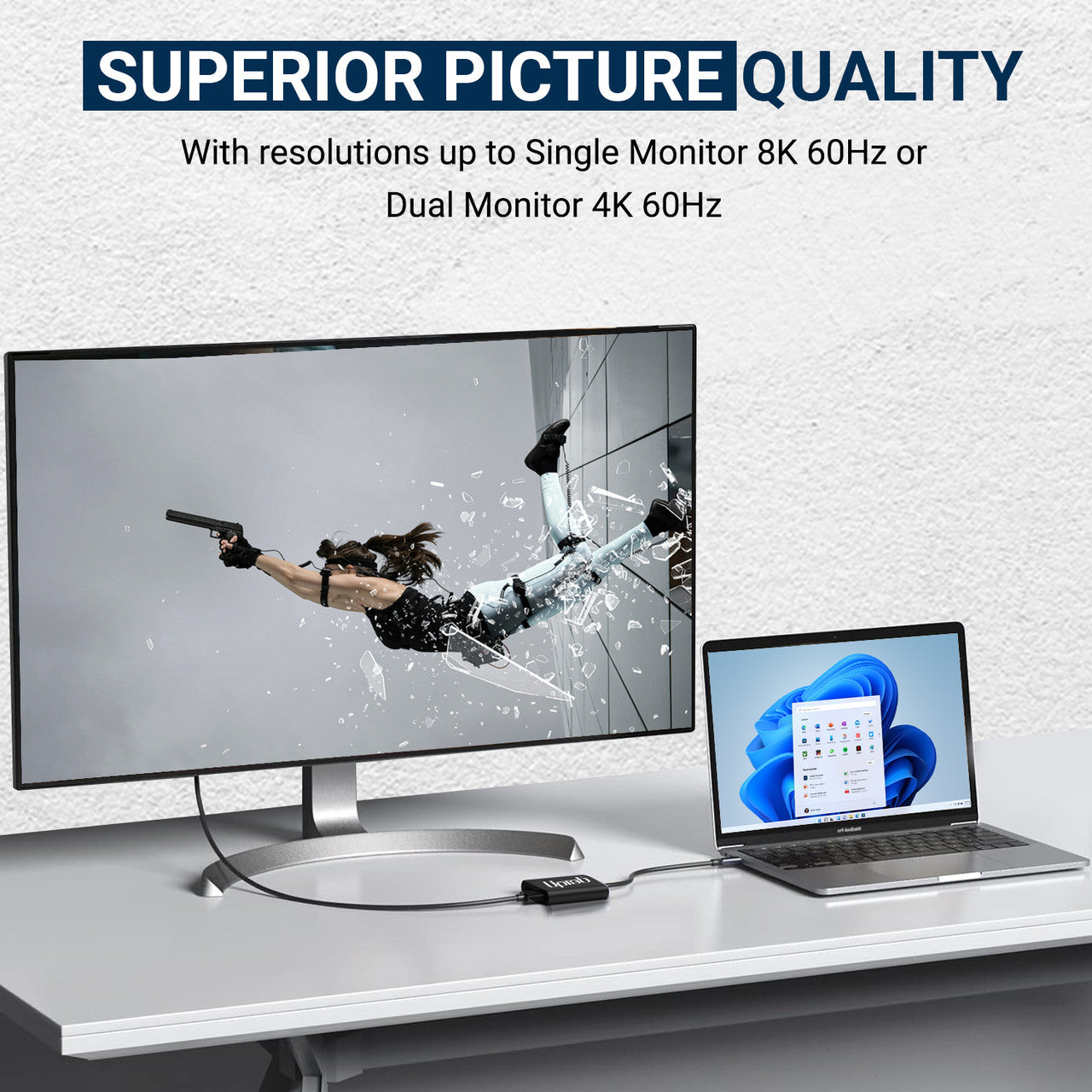
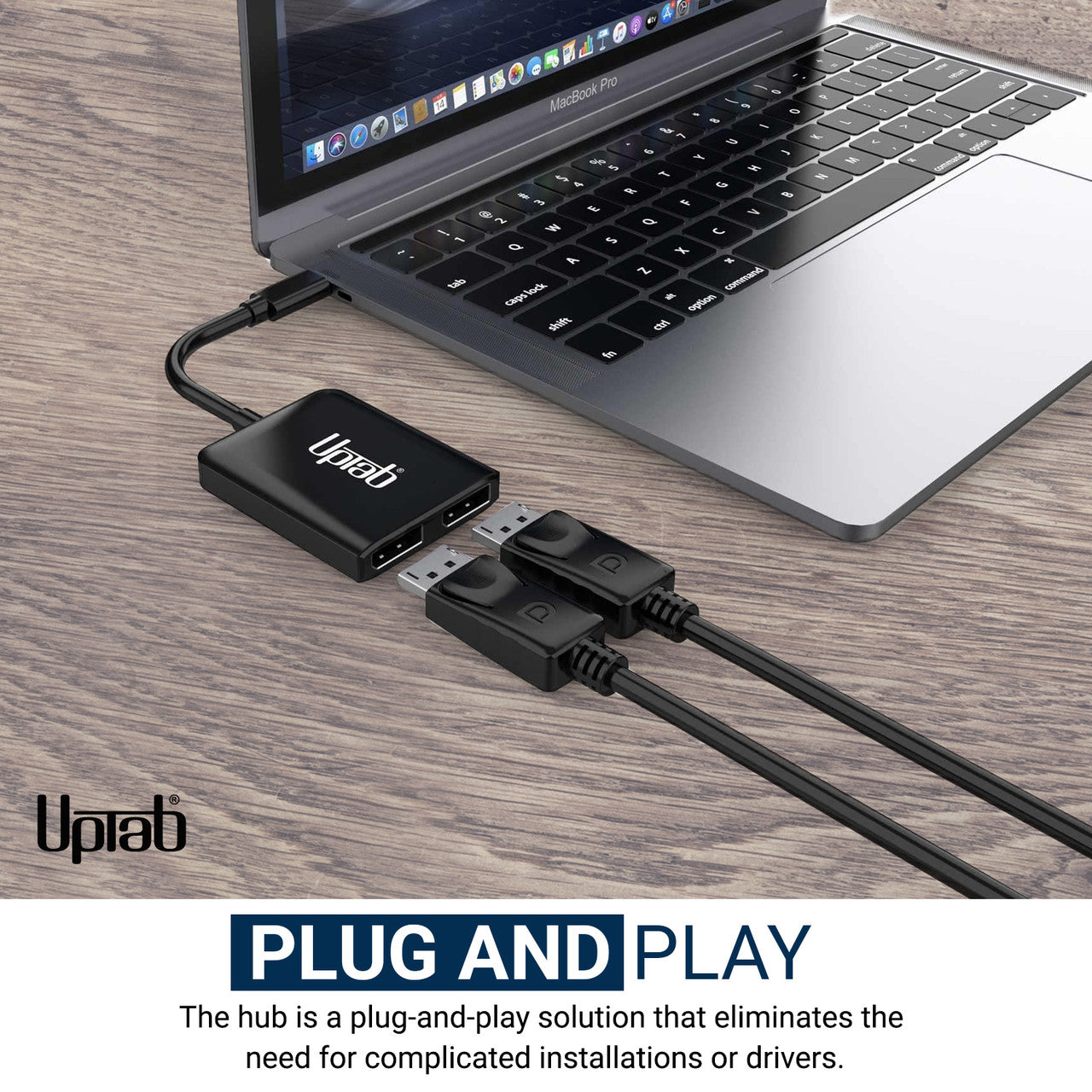
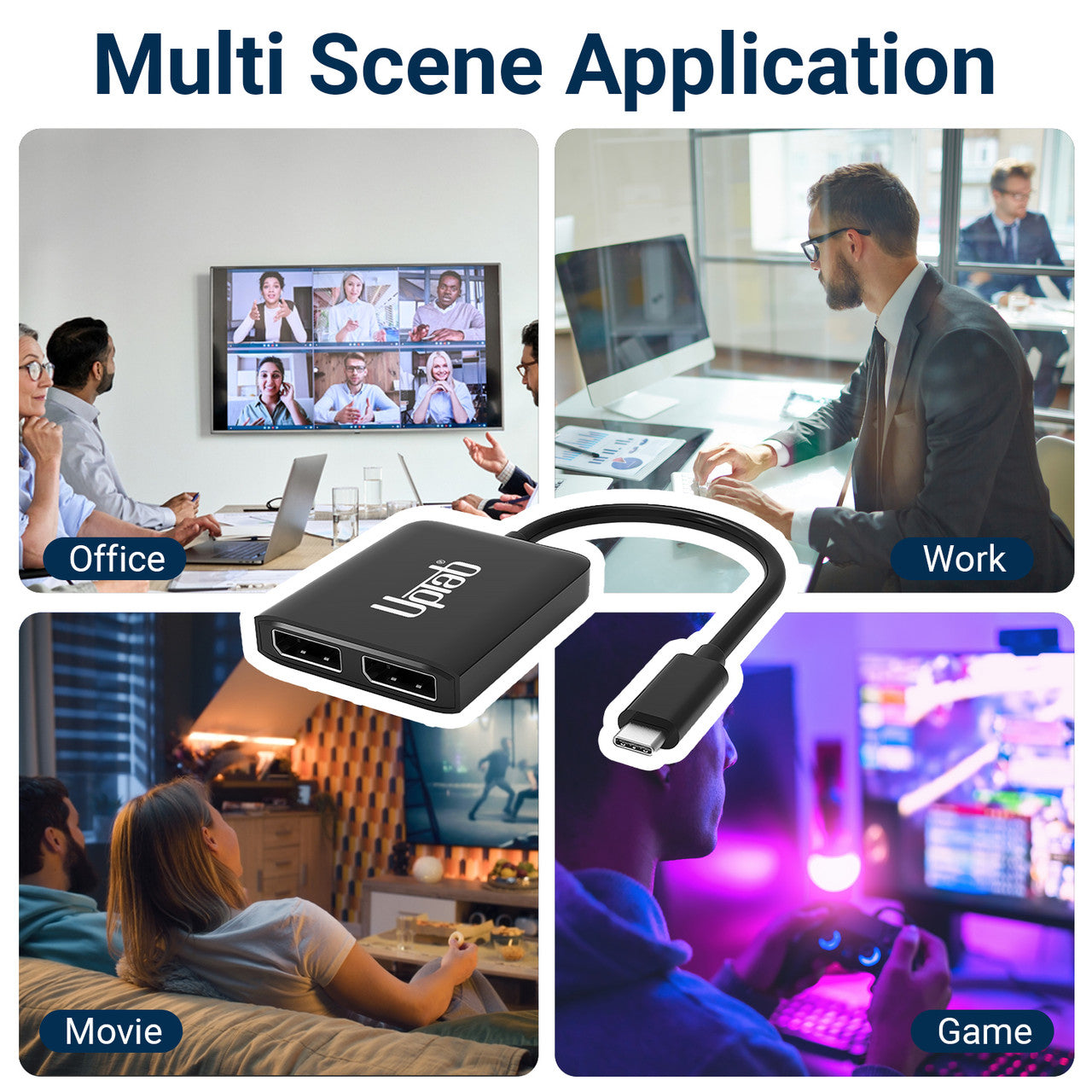
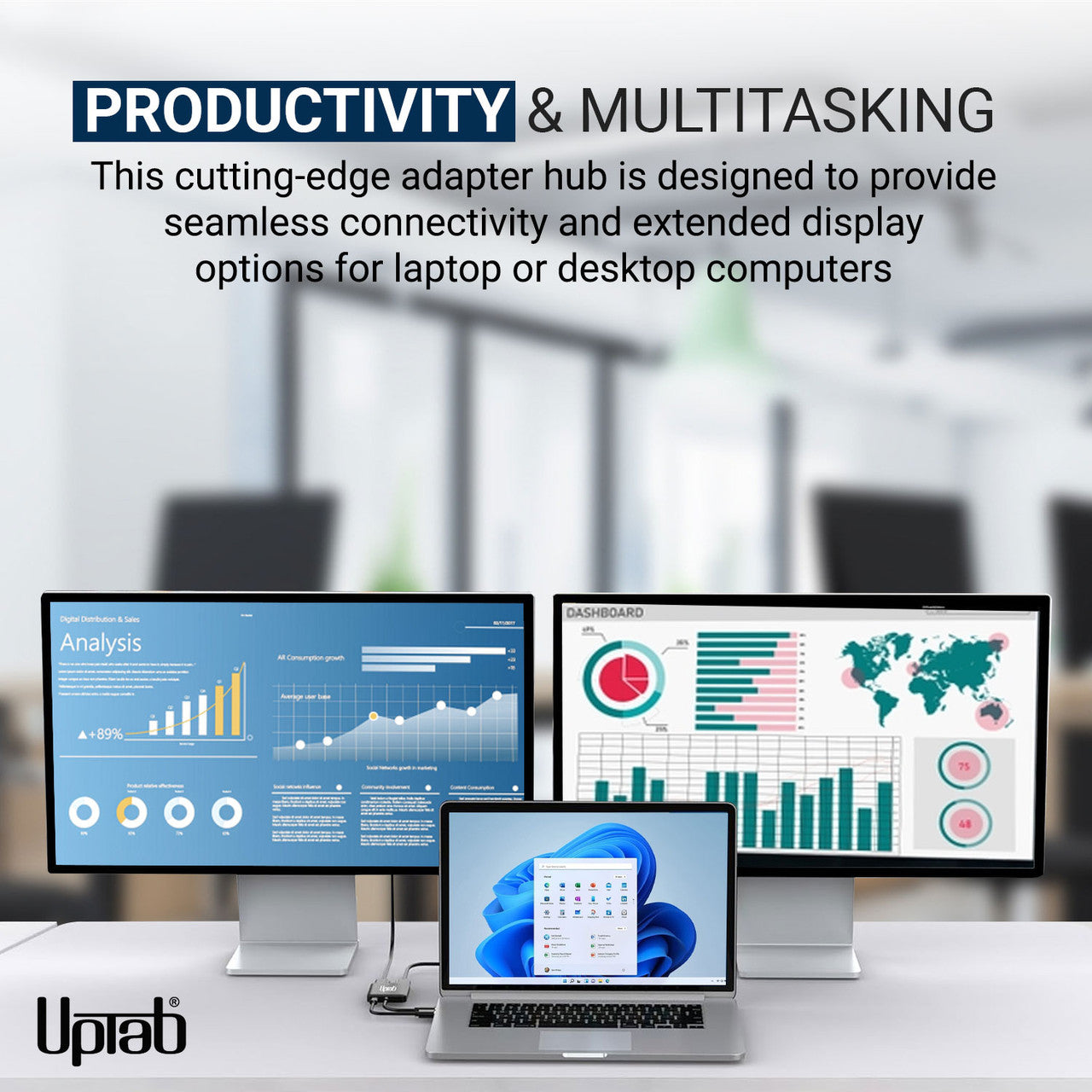
Para los usuarios que utilizan informática o juegos de alto rendimiento, el adaptador USB-C a DisplayPort de doble puerto, que admite una salida única de 8K (7680×3840) o doble 4K (3840×2160), es una solución ideal para conectar computadoras a pantallas UltraHD. Ofrece un rendimiento superior y experiencias visuales mejoradas. El dispositivo es plug-and-play y no requiere instalación ni configuración de software: simplemente conecte un extremo a su sistema y el otro a un cable DisplayPort (se vende por separado). Convierte la señal de vídeo USB-C a DisplayPort en resoluciones de hasta 8K. Además, la compatibilidad con el formato de color 4:4:4 garantiza una reproducción RGB precisa sin degradación del color convencional.
Características:
- Ideal para jugadores y otros requisitos informáticos de alto nivel
- Admite formato de color 4:4:4 con colores RGB claros
- Audio de hasta 8 canales
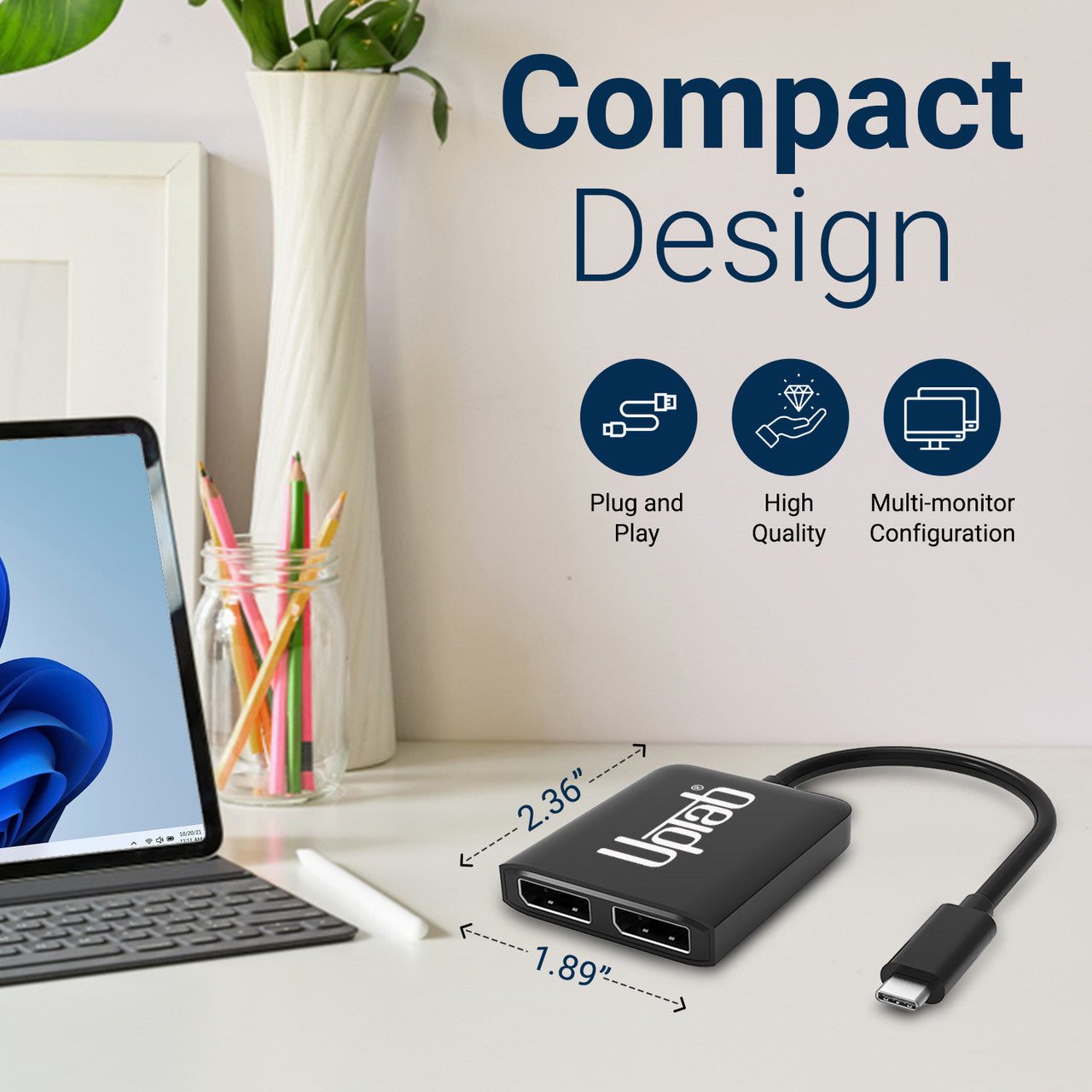
- Diseño pequeño y portátil
- Diseño autoalimentado sin necesidad de alimentación externa
- Convierte la señal de vídeo DisplayPort hasta UHD 8K 7680x3840 y 4K 4096x2160

Especificaciones:
- Entrada: USB-C 3.2 (el host debe admitir el modo alternativo DisplayPort 1.4)
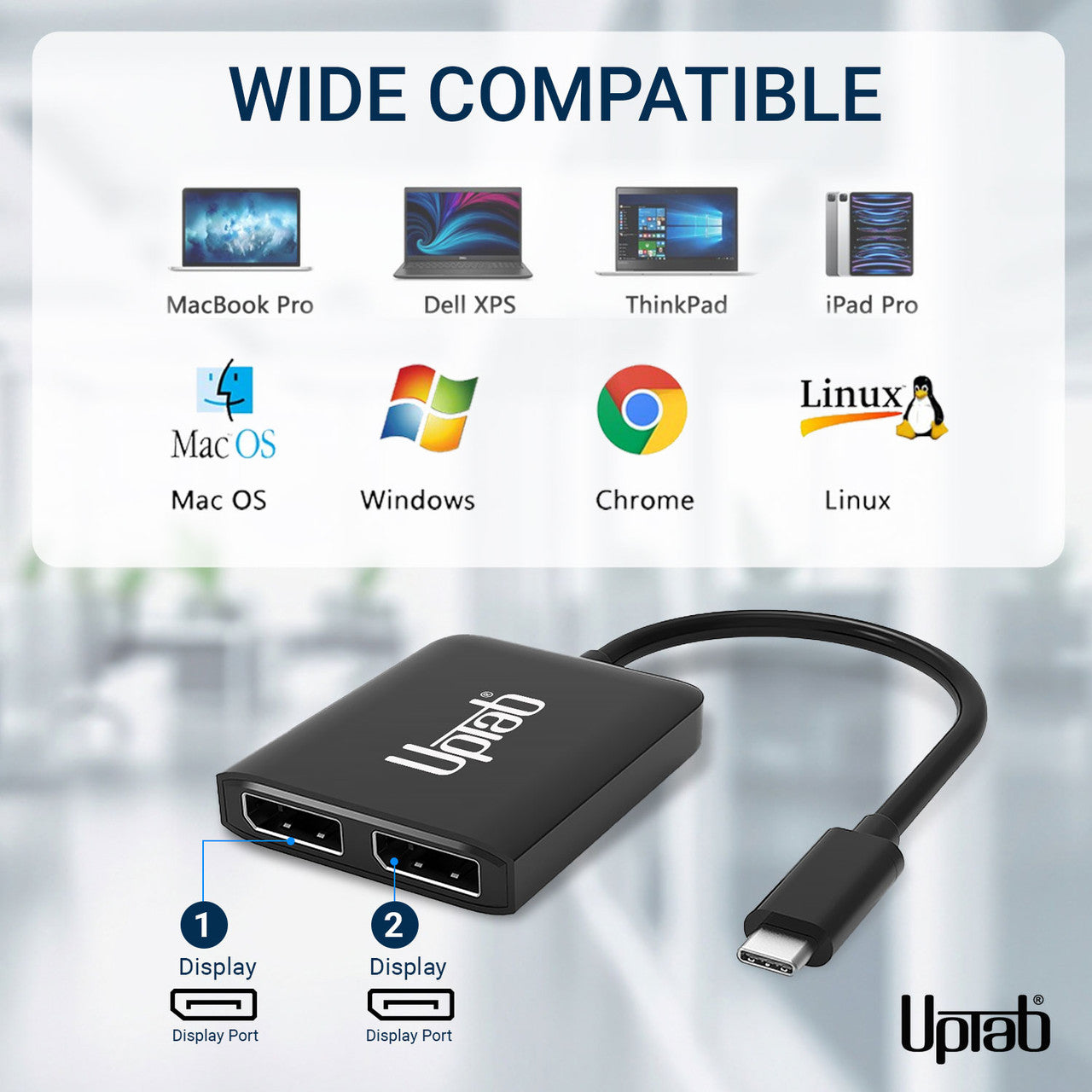
- Salida: Doble DisplayPort 1.4
- Señal DisplayPort 1.4 hasta UHD 8K 7680x4320@30Hz/60Hz y 1080p/144Hz.
- Dos monitores DisplayPort admiten una resolución de hasta 4096x2160@60Hz
- Sin DSC: DP1.4++: (7680x3840@30Hz,HDCP2.2, HDR10, 7.1CH)
- Con DSC: DP1.4++: (7680x3840@60Hz,HDCP2.2, HDR10, 7.1CH)
- Un monitor DisplayPort admite una resolución de hasta 7680x3840@60Hz
- MST sin DSC: máximo 2x3840*2160@60Hz
- SST sin DSC: máximo 2x7680*3840@30Hz
- Con soporte para el formato de color 4:4:4.
- Transmite audio de hasta 8 canales para una experiencia de audio y video inmersiva
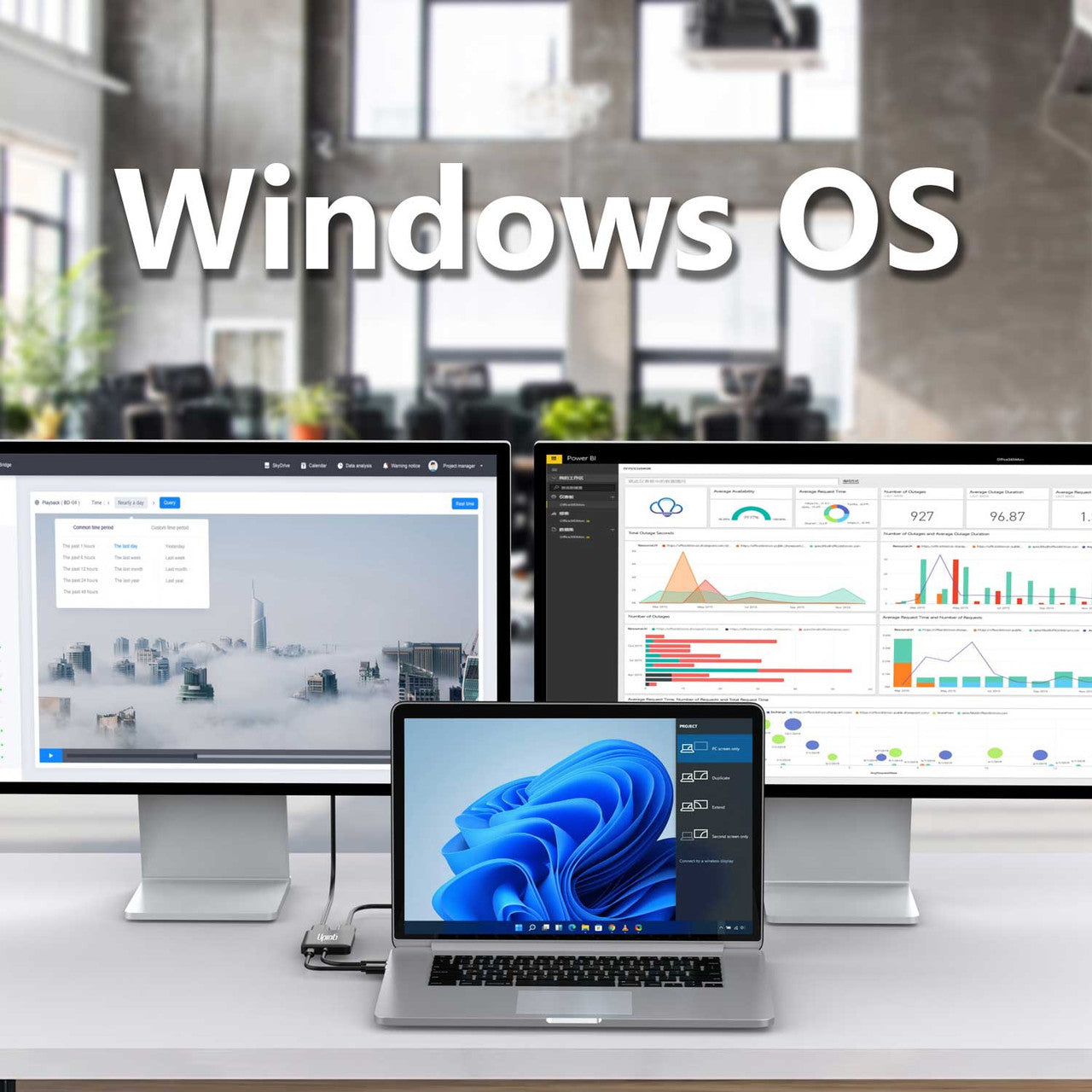
- Admite el modo Windows Display Extended y Mirror (MST y SST)
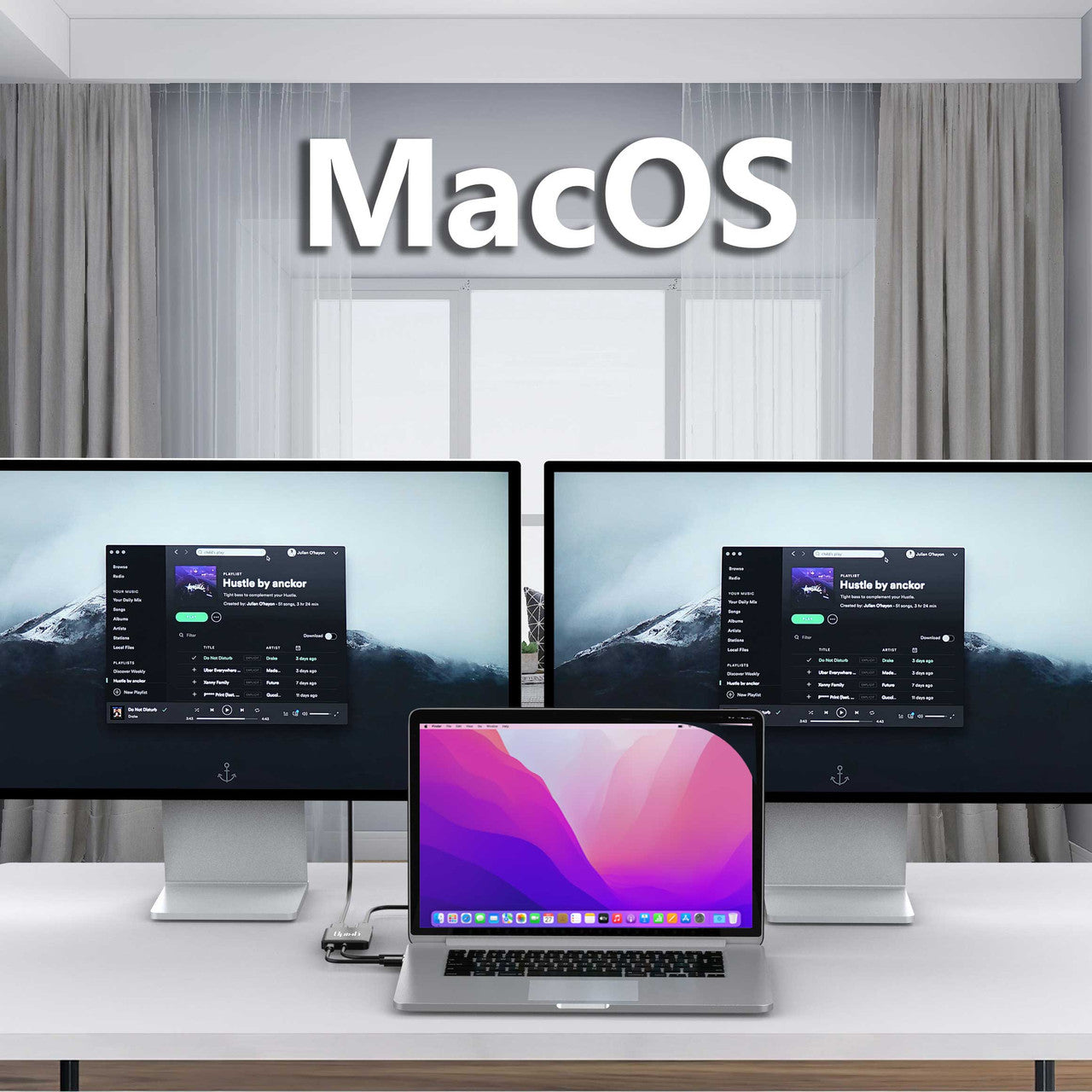
- Compatible con el modo espejo de macOS (SST)
en la caja:
- 1x Adaptador UPTab USB-C (Tipo-C) a DisplayPort de 2 puertos.
NO, para transmitir video, su puerto USB-C debe admitir Modo alternativo DisplayPort. El modo DP Alt permite que los puertos USB-C transfieran datos/video a través de múltiples interfaces, incluida la interfaz de video DisplayPort. Los puertos USB-C que pueden transferir señales DisplayPort se denominan USB-C DisplayPort o DP Alt Mode. La confusión sobre USB-C DisplayPort surge del hecho de que no todos los puertos USB-C cuentan con la funcionalidad DisplayPort Alt Mode. Como consecuencia, muchos usuarios con dispositivos que cuentan con puertos USB-C desconocen por completo si esos puertos admiten DisplayPort a través de USB-C. La clave para estos usuarios es saber cómo identificar si su dispositivo USB-C es compatible con DisplayPort a través de USB-C.
- ¿Rayo (Thunderbolt 3) al lado del puerto USB-C? Luego puedes usar este puerto para cargar y transferir una señal de video. Eso significa que puedes conectar un monitor. Este puerto admite el modo alternativo DisplayPort.
- ¿D (DisplayPort) al lado del puerto USB-C? Luego puede usar este puerto para transferir una señal de video. Eso significa que puedes conectar un monitor. Este puerto admite el modo alternativo DisplayPort.
- ¿Hay un símbolo de batería al lado del puerto USB-C? Luego puedes usar este puerto para cargar tu computadora portátil. Este puerto no admite el modo alternativo DisplayPort.
Thunderbolt 3 fue uno de los primeros en hacer la transición al nuevo formato USB-C debido a la forma del conector más pequeño que es reversible, por lo que es más fácil de enchufar. Los cables USB-C pueden transportar mucha más energía, por lo que se pueden usar para cargar dispositivos más grandes como computadoras portátiles.
Si tiene alguna pregunta, no dude en contactarnos. Le responderemos lo antes posible, en un plazo de 24 horas entre semana.
-
Información de envío
Procesamos y enviamos la mayoría de los pedidos el mismo día. Los plazos de entrega varían según el método de envío seleccionado al finalizar la compra. Asegúrate de que tu dirección de envío sea correcta para evitar retrasos.
-
Atención al cliente
¡Nuestro equipo está aquí para ayudarte! Si tienes alguna pregunta o necesitas ayuda, contáctanos por correo electrónico o a través de nuestro formulario de contacto. Nos pondremos en contacto contigo lo antes posible.
-
Preguntas frecuentes
¿Cuándo se enviará mi pedido?
La mayoría de los pedidos se procesan y envían el mismo día. El tiempo de entrega depende de la opción de envío seleccionada al finalizar la compra.
¿Cuál es su política de devolución?
Los artículos pueden devolverse dentro de los 30 días en el embalaje original con todos los accesorios incluidos. -
Contáctenos
¿Tienes preguntas o necesitas ayuda? Estamos aquí para ayudarte.
Servicio al cliente disponible de lunes a viernes de 9 a. m. a 5 p. m. (EST)
Correo electrónico: cs@uptab.com
Teléfono: 1 (877) 333-1505
O utilice nuestro formulario de contacto : le responderemos a la brevedad.
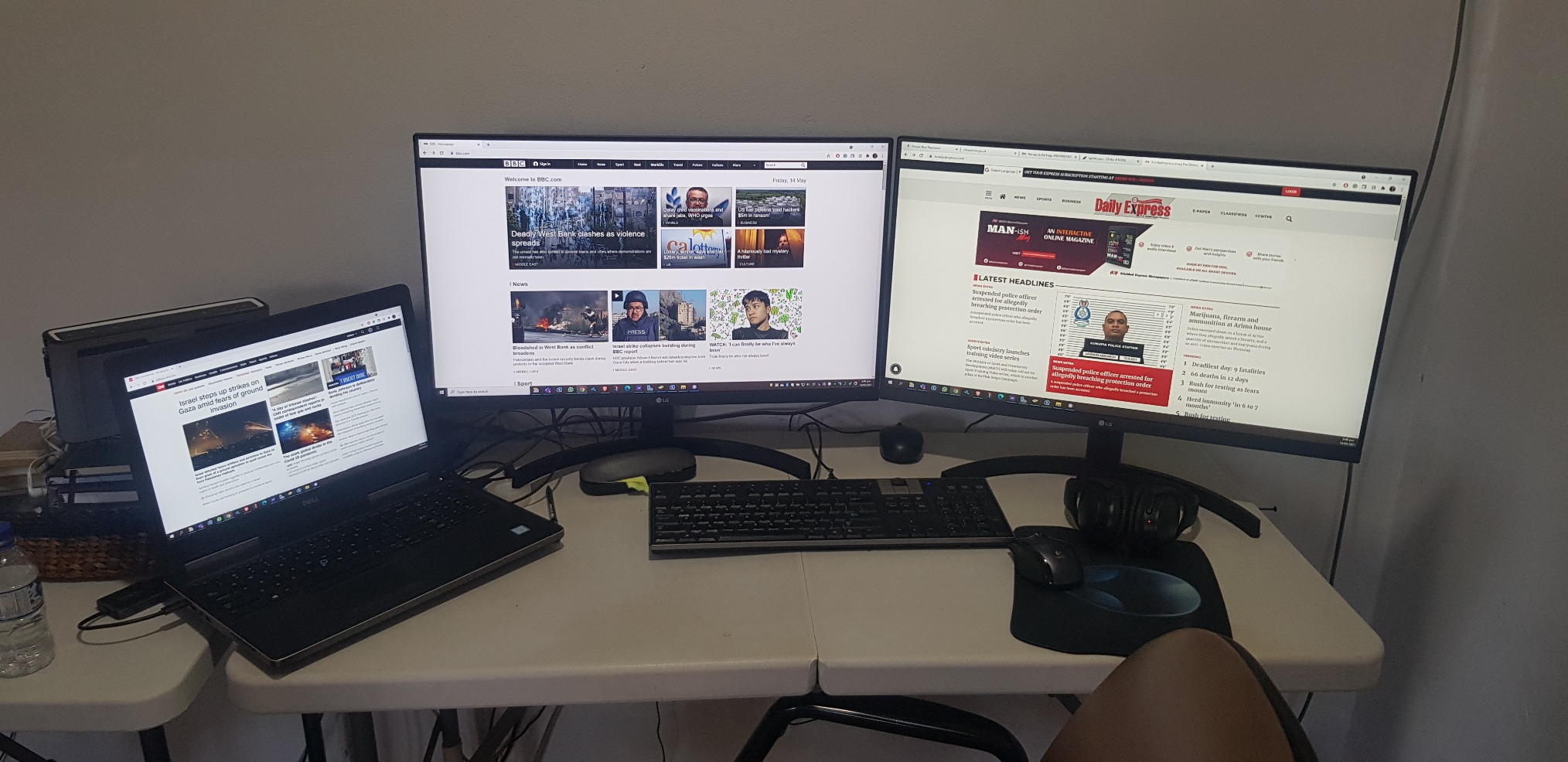
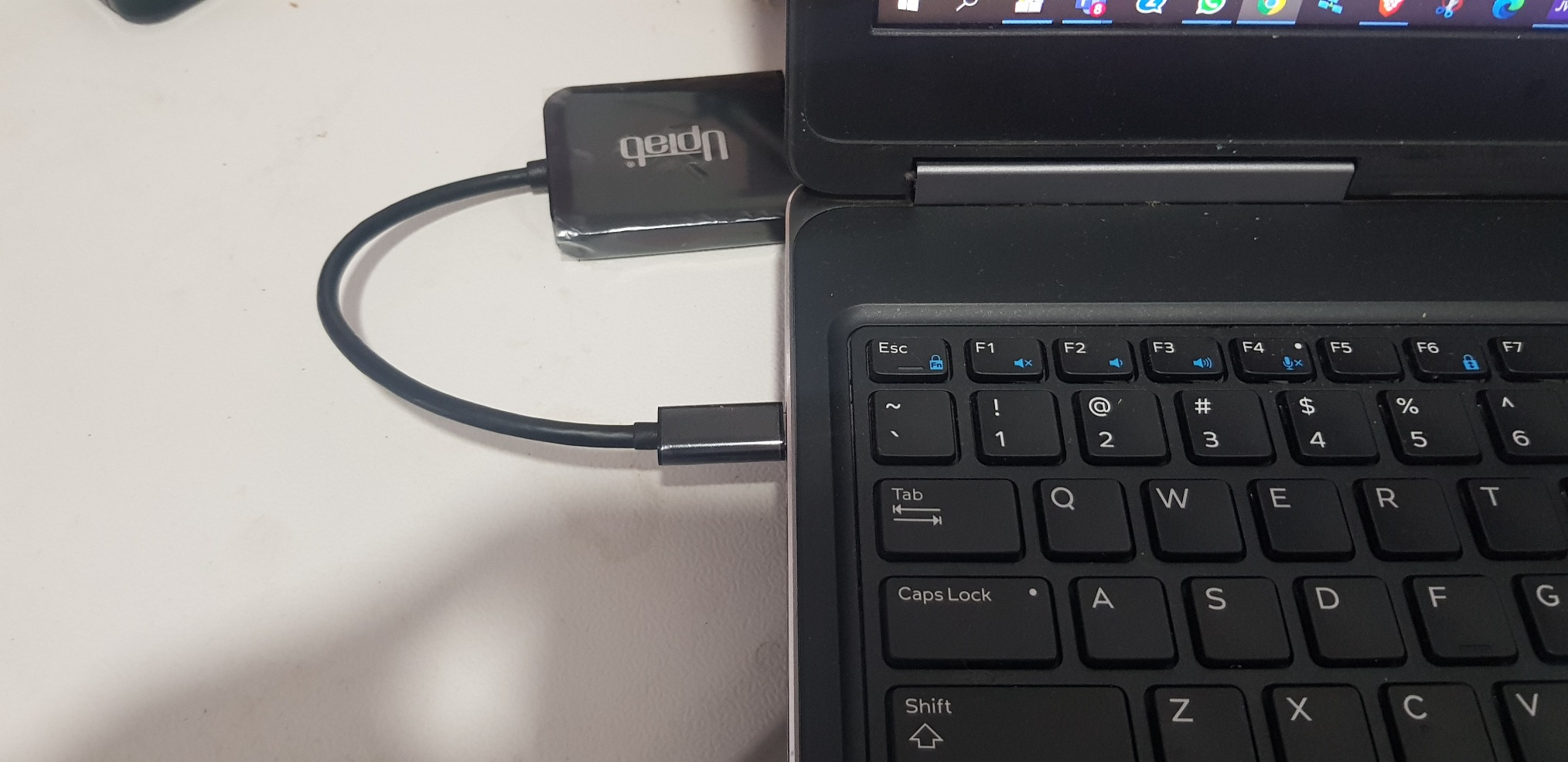
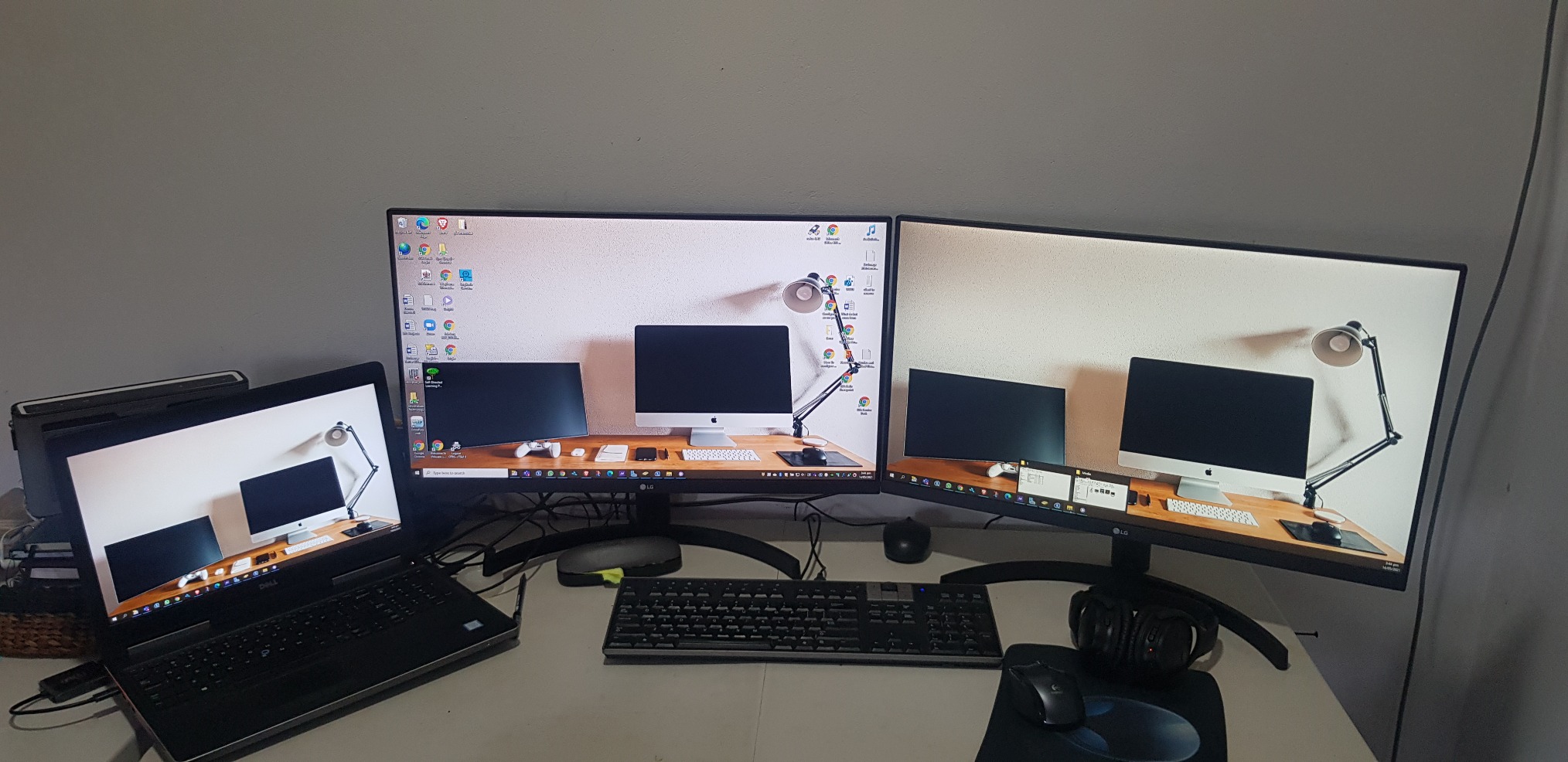
Bought two LG monitor and anted a simple effective way to connect both. UPtab did the job effectively so I did not need the bulky docking station. Will buy or recommend that other buys also. PS NO drivers needed
It works with two 5k monitor

As title says
Almost perfect. Used with Win10 on a Dell Latitude 3510, dual QHD (2560x1440@60Hz) displays for an extended desktop. The Latitude supports DisplayPort Alt-mode over its USB-3.2 type C connector, which is exactly what you require for this device.Laptop mostly used in clamshell mode, device is barely warm pushing 7 Mpixels 8+ hours a day. No problems driving all three displays as extended (9 Mpixels) either. USB tail is a little short though (~18cm).Very cost effective alternative to upgrading to TB3/MST (and saves you the mental trauma of working outwhich feature/port/cable/monitor does what).One rare problem is that Win10 can swap the monitors around, this has only happened once on resume from sleep. The other odd problem is an intermittent event (plus system sound) that originates in the Intel OED sound driver, possibly trying to access (non-existent) audio in the monitors.I'm overdue some driver/firmware updates which might fix these. Or perhaps they are entirely unrelated and just the opaque machinations of the Fine Operating System...
I was worried about capability and quality but it was worked great. I use this to go from a Surface Studio 2 to two external monitors and it works flawlessly.
It is good and doing the job.
Good value and easy to use.
product works as advertised, hooked up two monitors with Display Ports
I went through a whole bunch of these types of adapters to find one that will work with the Intel NUCs.Intel advertises that the NUCs (generations 8 and newer) can support three displays, but gives very little information on how to make that happen. This UPTab USB C to DisplayPort adapter DOES WORK! I now have three displays connected to my 8th generation NUC.If you need to connect to a device using HDMI, you can do that with this adapter too, but you have to use ACTIVE cables, not the simple passive cables that you typically find when searching for DisplayPort to HDMI adapters. Make sure the name contains the word ACTIVE and it should work.
I am using this with a 2020 Macbook Air, an external keyboard, and a 1440p monitor, which is connected to my computer with a USB C to DisplayPort cable.If I have the monitor and the keyboard attached to the splitter, and the power adapter in the other port, the display doesn't work.What fixed the issue was moving the *power* to the USB C input of the splitter, and having the monitor take the other USB C slot.Not a huge deal, but if you run into this issue, that's how I solved it.
Works as advertised.
Screens kept on flickering and then lost signals.
As described.
"DO NOT BUY" Screen flickers..frequent monitor blanks out. Do not waste your money.
Great value!
The adapter would not support higher than 640x480 resolution when connected. Amazon support tried to help but couldn't resolve.I tried Contacting Manufacturer, no response email or phone.
I wish I could return this item. It is somehow not compatible with my Dell. Customer Support has been wildly unhelpful.
I plugged it, tried to download drivers and all sort of items.I know my way around computers and the like - this is a poor device
Did not work with 2 Dell 25" 4K monitors kept flickering back-and-forth, monitors would blank out and screen would lose signal from laptop got very hot was absolute garbage. Maybe i got a bad one???
Did not work - returned.
This was simple to use and word great!
Worked well, then my employed got us docking stations.
Watch out with this product if you are running MacOS. It will not work as you expect and will only mirror both external displays.They'll even charge you a restocking fee for missing the small bullet point about this problem with MacOS. How great is that?
Used it in my car radio to play movies
Cheapest way so far to split two screens off of my USB-C port on my Alienware 17 R3. No issues.
Works perfectly on 3 laptops.
Plug-in and got able to extend to 2 additional monitors.
Nice compact device
It works.
Works as expected.
This is all I get when I attempt to use the Device from a new HP Laptop with i7 Processor connecting to Dell 22 inch Monitors. I have removed all USB drivers and reinstalled. I have also followed many troubleshooting YouTubes. This is not working at all.
This device allowed me to set up a three monitor (laptop screen + 2x Dell 24") workspace. No configuration issues. Two minutes to set up.
Envío gratuito en pedidos superiores a $50
Envío el mismo día en la mayoría de los pedidos