

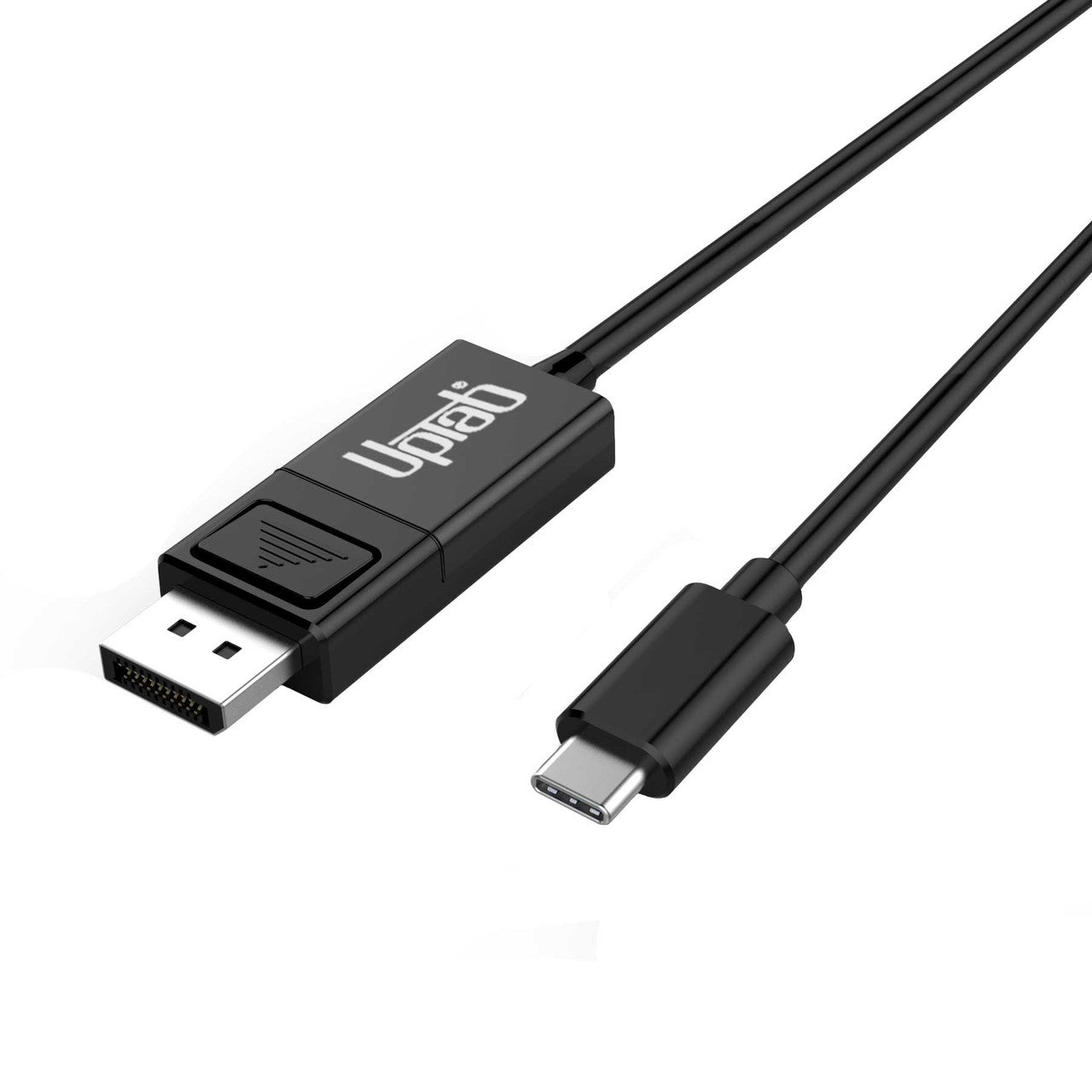
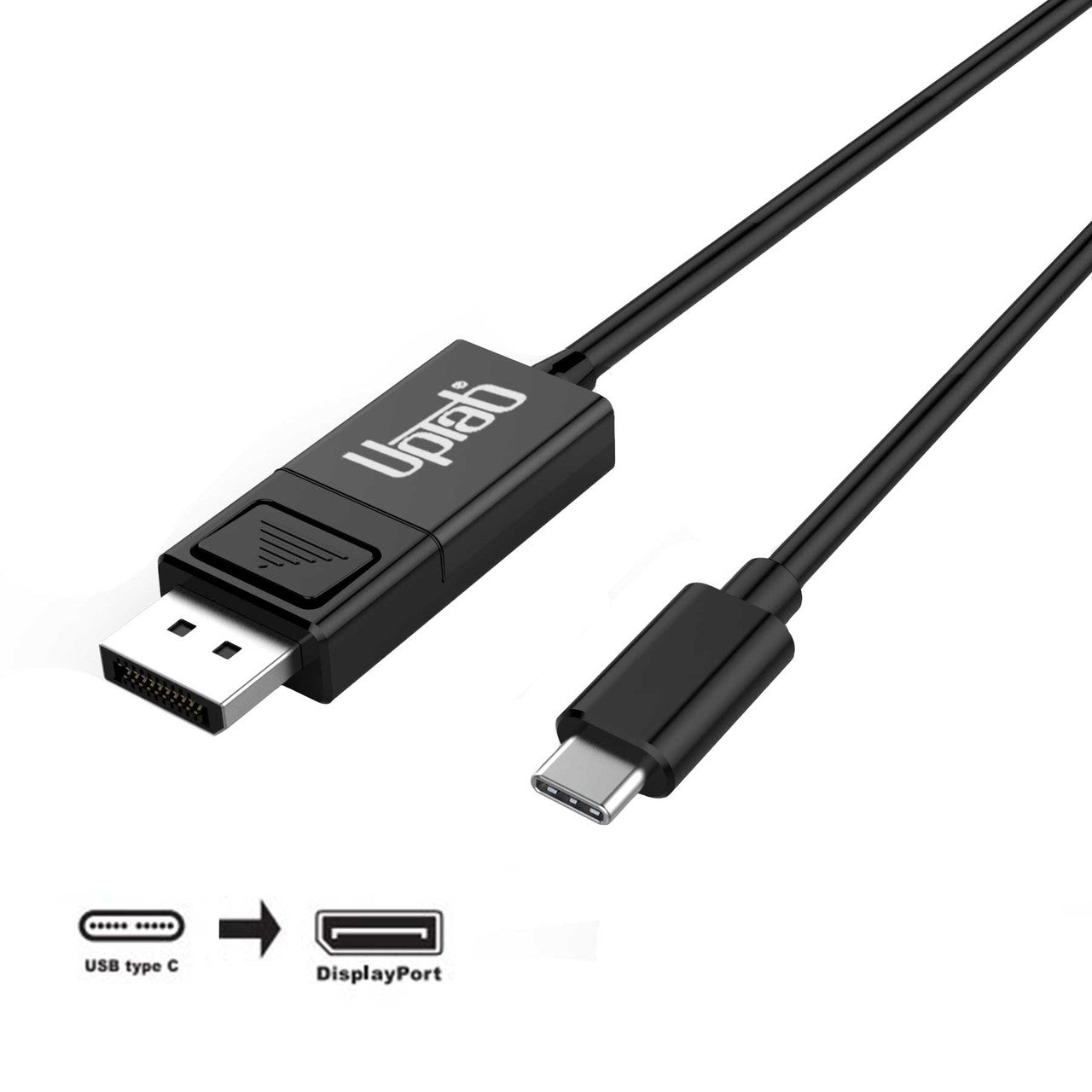
Cable USB-C a DisplayPort 8K (2 m/6,56 pies)
About this item
Combina bien con
ENVÍO EL MISMO DÍA. Haga su pedido antes de las 11 a. m. (EST)
Envío gratuito en pedidos superiores a $50
Apoyo técnico
Devolución en 30 días
Garantía de 1 año
Cable USB-C a DisplayPort 8K (2 m/6,56 pies)
Detalles del producto
El convertidor de señal activa USB-C a DisplayPort proporciona una solución optimizada para conectar dispositivos USB-C con modo alternativo DisplayPort a monitores, televisores o proyectores DisplayPort 1.4. Este adaptador, alimentado directamente a través del puerto USB-C, no requiere fuente de alimentación externa y está optimizado para su uso con portátiles, sistemas MacBook Pro y tabletas modernos.

Admite resolución hasta 4K UHD a 120 Hz y 8K a 60 Hz y HDR
El cable USB-C a DisplayPort 1.4 admite resoluciones UHD de hasta 4K UHD a 120 Hz u 8K a 60 Hz, lo que ofrece una imagen clara y nítida con HDR. Una velocidad de 120 fotogramas por segundo garantiza un vídeo excepcionalmente fluido. Puede utilizar el adaptador para jugar, ver o editar vídeos, o navegar por Internet desde un dispositivo USB-C o DP 1.4 en un monitor o televisor de ultra alta resolución. Con soporte para hasta ocho canales de audio, el adaptador proporciona audio y vídeo digital de alta definición. No es compatible con DisplayPort de modo dual (DP++).
Compatible con todos los sistemas operativos
El cable USB-C a DisplayPort 1.4 es compatible con todos los dispositivos USB-C y Thunderbolt 3/4 con modo DisplayPort ALT 1.4 y sistemas operativos, incluidos, entre otros, macOS, Windows 7, 8.1, 10, 11 y Google Chrome OS.

Especificaciones:
- Entrada: USB-C (Tipo C) o Thunderbolt 3/4
- Salida: DisplayPort 1.4 8K a 60Hz y HDR
- Admite resoluciones UltaHD de hasta 8K@60Hz y 3840 x 2160p @ 120Hz
- Admite HDR alto rango dinámico, HDR10, HDR10+ y Dolby Vision
- Cumple con el estándar VESA DisplayPort Alt Mode 1.4
- Alimentado por puerto USB-C (no se necesita alimentación externa)
- Admite formatos de vídeo 3D de hasta 1080p a 120 Hz
- Admite entrenamiento de enlace completo y entrenamiento sin enlace
- Soporte de audio hasta 8 canales LPCM
- Longitud: 2M/6.56PIES
En la caja:
- 1 Cable USB-C a DisplayPort 1.4 2M/6.56PIES
Si tiene alguna pregunta, no dude en contactarnos. Le responderemos lo antes posible, en un plazo de 24 horas entre semana.
-
Información de envío
Procesamos y enviamos la mayoría de los pedidos el mismo día. Los plazos de entrega varían según el método de envío seleccionado al finalizar la compra. Asegúrate de que tu dirección de envío sea correcta para evitar retrasos.
-
Atención al cliente
¡Nuestro equipo está aquí para ayudarte! Si tienes alguna pregunta o necesitas ayuda, contáctanos por correo electrónico o a través de nuestro formulario de contacto. Nos pondremos en contacto contigo lo antes posible.
-
Preguntas frecuentes
¿Cuándo se enviará mi pedido?
La mayoría de los pedidos se procesan y envían el mismo día. El tiempo de entrega depende de la opción de envío seleccionada al finalizar la compra.
¿Cuál es su política de devolución?
Los artículos pueden devolverse dentro de los 30 días en el embalaje original con todos los accesorios incluidos. -
Contáctenos
¿Tienes preguntas o necesitas ayuda? Estamos aquí para ayudarte.
Servicio al cliente disponible de lunes a viernes de 9 a. m. a 5 p. m. (EST)
Correo electrónico: cs@uptab.com
Teléfono: 1 (877) 333-1505
O utilice nuestro formulario de contacto : le responderemos a la brevedad.
It is a good looking cable, well made for what it is, good fit and finish. Ends are quality as well. Sadly though I won't be able to use it. I had planned to use it from a display port on my PC to a USB-C on my monitor. Won't work, so wasted time on this one. As another reviewer said, NO where does it state it is not bi-directional anywhere on this page, I've read it a couple times. You only find out after you buy it and get it. That's not cool at all.


I selected this UpTab cable because it is listed as a "DisplayPort to USB-C or USB-C to DisplayPort" cable and the slightly bulky DisplayPort connector made me think it'd work to convert DisplayPort output to a USB C monitor I have. The listing photo even has "bi-directional" silkscreened on the USB C end of the cable. Upon arrival, a sticker makes very clear that the DisplayPort source direction won't work and the USB C end of the actual cable lacks that silkscreen. I made an attempt at using it in DP to USB-C mode and there was no detection.The cable itself is fairly thin, has a latching-type DisplayPort connector with a very hollow-feeling plastic connector body, and seems fine as an inexpensive conversion cable. The latch is more difficult to actuate on this cable compared to others, possibly due to the smaller tab and reduced leverage. The only times I have found the locking tab helpful is when I adjust the height or rotate my monitor with a DP cable attached.I was able to test the cable with a USB C/Thunderbolt 3 laptop to drive a KVM feeding a 1200p 60hz DisplayPort monitor to confirm that the cable is functional in that single direction, but I feel misled in my selection and have far less use for this cable as USB C to DP. If the product's capabilities were listed more accurately, I'd rate it higher than 2 stars but there's nothing particularly compelling about this as a USB C to DisplayPort 2 meter long cable. It doesn't feel particularly sturdy compared to other cables that handle DisplayPort signals and the cable seems thinner than most.


Nice product. Works well and is well made.
I have used it with my MBP M1 and a 4K 60Hz monitor and it works perfectly fine. However, there are cheaper alternatives available. In terms of the product itself, I am quite satisfied with it, except for the price.
The description on the page states this is bi-directional. The package states exactly the opposite. There's even a note on the back that states "This cable is NOT bi-directional. It only operates from an USB-C source to a DisplayPort monitor."
I was having issues with using AirPlay with iPad Pro while editing videos. I could notice compression artifacts when transitioning screens, switching apps, etc. I then tried HDMI out to my monitor, which had a horrible issue not being full screen--I'm talking black borders all around the image. I did not have height exceptions with this cable, but I did have an extra video port on the monitor that is DisplayPort. Right away I noticed the difference: 1) No black borders, and 2) much better video quality than AirPlay. This is an outstanding product.
Envío gratuito en pedidos superiores a $50
Envío el mismo día en la mayoría de los pedidos